NordVPN Windows 10 VPN: How to Download, Install, and Connect
Learn how to set up NordVPN on Windows 10, connect securely, and troubleshoot common installation and connection issues.


For a NordVPN Windows 10 VPN setup, download the official NordVPN app for Windows, install it, sign in, and connect to a server. NordVPN lists support for Windows 10 (64-bit) and Windows 11. The app is generally the most straightforward choice for using the service on a Windows computer; Windows’ built-in VPN settings are a separate option and may require manual configuration.

Editor's pick: NordVPN — fast, secure VPN — Strong encryption, a no-logs policy and apps for every device. 30-day money-back guarantee. Get NordVPN →
Compare NordVPN installation methods on Windows 10
| Method | Where to get it | Setup effort | NordVPN features | Best for |
|---|---|---|---|---|
| Official NordVPN app | NordVPN website | Guided installation | Full app experience | Most users |
| Microsoft Store app | Microsoft Store | Store-based installation | NordVPN app features | Store users |
| Windows built-in VPN | Windows Settings | Manual configuration | Windows VPN controls | Users with VPN server details |
| Third-party VPN app | App provider | Varies by app | Depends on provider | Users with an existing VPN app |
| Browser extension | Browser’s extension store | Browser-only setup | Browser traffic protection | Browser-only use |
| No VPN | Not applicable | No setup | No VPN protection | Users who do not need a VPN |
Compiled November 2026; check the provider's site for current details.
| VPN | Obfuscation | From / month | Plan | Free plan | Refund | Alipay | UnionPay | Crypto | Website opens in China | Trustpilot | |
|---|---|---|---|---|---|---|---|---|---|---|---|
 NordVPN | Turn on manually Obfuscated Servers / NordWhisper | $3.49/mo | 27 months: $94.23 | No | 30 days | ? | ✗ | ✓ | ✓ | ✗ Blocked | 4.2/5 (51,628 reviews) |
 ZoogVPN | Turn on manually Shadow | $2.49/mo | 27 months: $59.99 | Yes | 7 days | ✓ | ✓ | ✓ | ✓ | Official site blocked; our special link opens (4.4 s) | 4.2/5 (195 reviews) |
 ExpressVPN | ✓ On by default all servers | $3.00/mo | 28 months: $84 | No | 30 days | ✗ | ✗ | ✓ | ✗ | ✗ Blocked | 4.4/5 (29,706 reviews) |
 Surfshark | ✓ On by default Camouflage, with OpenVPN | See site | See site | No | 30 days | ✗ | ✗ | ✗ | ✓ | ✗ Blocked | 4.3/5 (31,823 reviews) |
 Proton VPN | Turn on manually Stealth, free plan too | $2.99/mo | 12 months: $35.88 | Yes | 30 days | ✗ | ✗ | ✗ | ✓ | ✗ Blocked | 2.1/5 (1,040 reviews) |
 Astrill VPN | Turn on manually StealthVPN / OpenWeb | $12.50/mo | 24 months: $300 | No | See site | ✗ | ✗ | ✗ | ✓ | ✗ Blocked | 1.3/5 (110 reviews) |
 Private Internet Access | Turn on manually Shadowsocks, OpenVPN only | $2.03/mo | 40 months: $81.2 | No | 30 days | ✗ | ✗ | ✗ | ✗ | ✗ Blocked | 4.2/5 (11,033 reviews) |
 CyberGhost | Turn on manually selected servers | $2.19/mo | 28 months: $61.32 | No | 45 days | ✗ | ✗ | ✗ | ✓ | ✗ Blocked | 4.0/5 (24,178 reviews) |
 PureVPN | Turn on manually switch to OpenVPN | $1.69/mo | 60 months: $101.55 | No | 31 days | ? | ? | ✗ | ✓ | ✗ Blocked | 4.4/5 (17,994 reviews) |
 AdGuard VPN | ✓ On by default TrustTunnel | $2.99/mo | 24 months: $71.76 | Yes | 30 days | ✓ | ✗ | ✓ | ✓ | Official site blocked; our special link opens (3.7 s) | 4.3/5 (290 reviews) |
 Mullvad | Turn on manually QUIC / Shadowsocks / LWO | $5.61/mo | €5/mo | No | 14 days | ✗ | ✗ | ✗ | ✓ | ✗ Blocked | 3.2/5 (192 reviews) |
 Windscribe | Turn on manually Stealth / WStunnel | $5.75/mo | 12 months: $69 | Yes | See site | ✗ | ✗ | ✗ | ✓ | ✗ Blocked | 4.7/5 (13,355 reviews) |
 StrongVPN | Turn on manually Scramble, OpenVPN TCP | See site | See site | No | 30 days | ✓ | ✗ | ✗ | ✗ | ✗ Blocked | 4.4/5 (2,695 reviews) |
 LightXtreme 闪连 | Not listed | $7.08/mo | 12 months: $84.99 | Yes | 30 days | ✓ | ✓ | ✓ | ✓ | ✓ Yes (3.5 s) | No page |
Prices checked 2026-11-10 on each vendor's pricing page (cheapest long plan, USD). Check the vendor's checkout for the final price.
Obfuscation checked 2026-11-14 on each vendor's site and help center: "on by default" = nothing to set; "turn on manually" = switch protocol or mode in settings; "not listed" = the vendor describes no obfuscation.
Payment methods checked 2026-11-10 on each vendor's payment pages: all 14 take cards and PayPal; ✗ = not listed, ? = the vendor's own pages disagree.
China access: whether the official website opens from mainland China networks (tests the website only, not the VPN connection). Last checked 2026-11-18 01:02 Beijing time.
Trustpilot score and review count checked 2026-11-10.
Check compatibility and choose an installation method
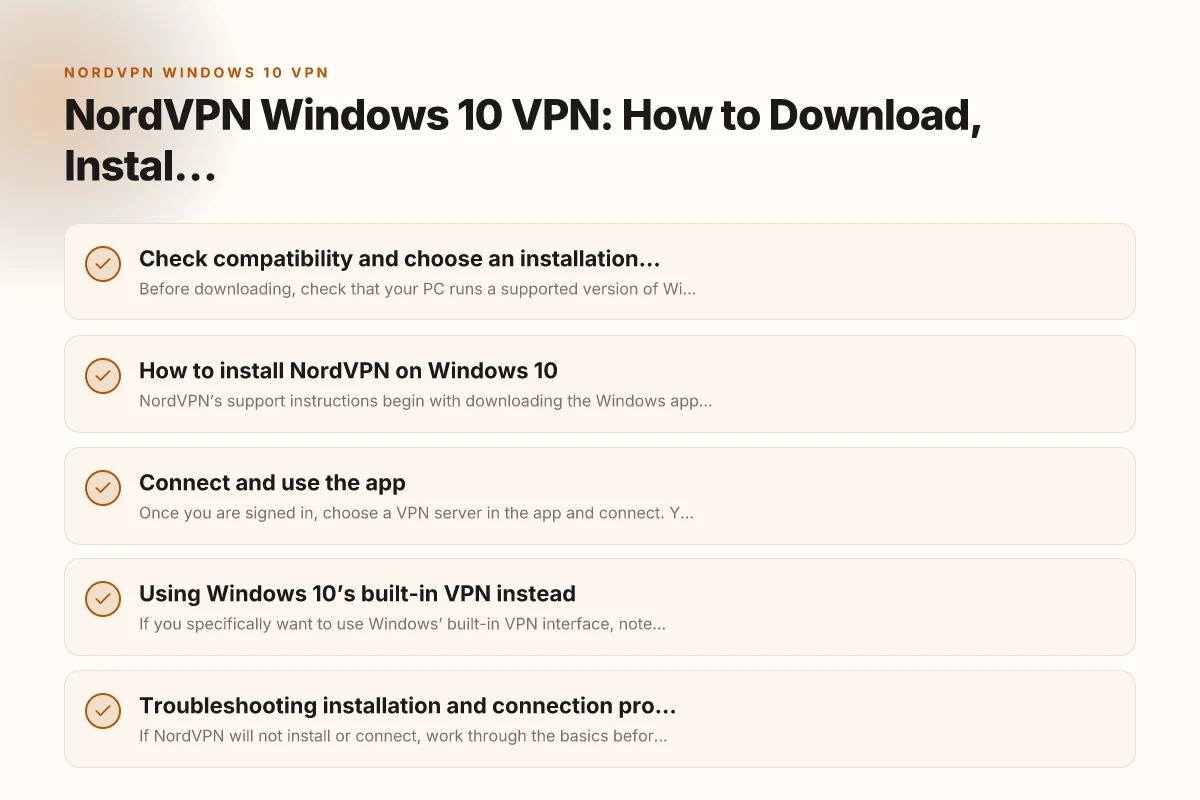
Before downloading, check that your PC runs a supported version of Windows. NordVPN’s Windows download page lists Windows 10 64-bit and Windows 11. If you are unsure whether your system is 64-bit, check Windows’ system information before installing.
There are two ways people commonly mean “NordVPN on Windows 10”:
- NordVPN’s Windows app: The direct option for most users. It provides the service’s connection controls in one application.
- Windows’ built-in VPN settings: A Windows feature for creating VPN connections. It does not automatically configure itself for NordVPN. Manual setup may require service-specific details and compatible connection settings.
| Option | What you do | Best suited to |
|---|---|---|
| NordVPN Windows app | Download and install NordVPN’s software, then sign in | Most people who want a simple setup |
| Windows built-in VPN | Add a VPN connection in Windows settings and enter the required details | Users who specifically need Windows’ native connection interface |
Get the installer from NordVPN’s official Windows download page. Avoid unofficial download sites when you can use the provider’s own source.
How to install NordVPN on Windows 10
NordVPN’s support instructions begin with downloading the Windows app and opening the installer from your Downloads folder. Follow these steps: FortiClient VPN Only: What It Is, How to Install It, and When to Use It
- Open NordVPN’s official Windows download page.
- Download the app installer.
- Open your Downloads folder and double-click NordVPNInstall.exe.
- Follow the prompts shown by the installer.
- When installation is complete, open NordVPN and sign in to your account.
If Windows asks you to approve the installation, check that the installer came from the official NordVPN site before proceeding. Do not download a replacement installer from an unfamiliar site simply because the first attempt failed.
Compare ways to connect with NordVPN on Windows 10
| Option | Works in Windows 10 | Setup needed | Coverage | Best for |
|---|---|---|---|---|
| Quick Connect | Supported in NordVPN app | Minimal | App-managed connection | Fast connection |
| Choose a country | Supported in NordVPN app | Select a location | App-managed connection | Choosing a region |
| Choose a server | Supported in NordVPN app | Select a server | App-managed connection | Server preference |
| Windows built-in VPN | Supported by Windows | Manual details required | Windows VPN connection | Existing VPN credentials |
| Browser extension | Supported in compatible browsers | Extension setup | Browser traffic only | Browser-only protection |
| No VPN connection | Supported by default | None | No VPN connection | Local network access |
Compiled November 2026; check the provider's site for current details.
Connect and use the app
Once you are signed in, choose a VPN server in the app and connect. You can select a location from the available options or use the app’s recommended connection option if you do not have a particular location in mind. iPhone VPN: How to Choose, Set Up, and Use One
After the connection is established, your internet traffic is routed through the VPN connection. A VPN can help protect traffic on networks you do not control and change the IP address websites see, but it does not make you completely anonymous or replace other security measures.
For a smoother experience:
- Connect before using apps or websites where you want the VPN active.
- Choose a nearby location when connection speed matters.
- If a particular site or service does not work, try another available server.
- Disconnect in the NordVPN app when you no longer want to use the VPN connection.
NordVPN’s download information also describes additional security features, but availability can depend on the product and account. Review the current app and account details for the features included with your plan.
Using Windows 10’s built-in VPN instead
If you specifically want to use Windows’ built-in VPN interface, note that adding a connection in Windows is not the same as installing the NordVPN app. Windows needs appropriate connection details and settings for the VPN service. A server address or settings copied from an unrelated guide may not work. How to Add or Change a VPN Connection in Windows 10
This distinction matters because users sometimes try to connect to a NordVPN server through Windows settings and encounter errors. If your goal is simply to use NordVPN on the PC, start with NordVPN’s official Windows app. If you need a native Windows setup for a particular reason, consult NordVPN’s current support instructions for the required configuration rather than guessing.
Troubleshooting installation and connection problems
If NordVPN will not install or connect, work through the basics before changing advanced system settings:
- Confirm Windows compatibility. NordVPN lists Windows 10 64-bit and Windows 11 for its Windows app.
- Use the official installer. Download it again from NordVPN’s Windows page if the file may be incomplete.
- Restart the computer. Then reopen the installer or app and try again.
- Check your internet connection. A VPN cannot connect if the underlying connection is unavailable.
- Review security software settings. Firewall or security tools can sometimes interfere with installation or a VPN connection. Only make changes you understand, and restore protections afterward.
- Try another server. A temporary issue with one connection can sometimes be resolved by selecting another available location.
- Use NordVPN support guidance. The provider’s installation and support pages are the best place to check current steps for your app version.
Keep Windows and the NordVPN app updated where possible. If the same error continues, note the exact message and when it appears before contacting support. Those details can help identify whether the issue is installation, sign-in, or connectivity.
Choose a troubleshooting step for a NordVPN Windows 10 problem Microsoft Edge Free VPN: What It Is and How to Use It
| Problem | First step | Next step | Check | When to seek help |
|---|---|---|---|---|
| Installer will not open | Download the installer again | Run it with permission | Windows compatibility | If it still fails |
| Installation stops | Restart Windows | Retry the installation | Available storage | If installation remains blocked |
| App will not launch | Restart the app | Restart Windows | App updates | If it continues |
| Cannot connect | Try another server | Reconnect in the app | Internet access | If no server connects |
| Connection drops | Try a different protocol | Change server | Network stability | If drops persist |
| Windows built-in VPN fails | Review VPN settings | Re-enter server details | Credentials and server address | If settings are correct |
| App works but a site does not | Try another server | Reload the site | Site-specific access | If the issue remains |
Compiled November 2026; check the provider's site for current details.
Recommendation
For most people searching for a NordVPN Windows 10 VPN, the official NordVPN app is the simplest place to start. Confirm that your system is running Windows 10 64-bit, download the installer from NordVPN, and connect through the app. Choose Windows’ built-in VPN settings only if you specifically need that interface and have the correct current configuration details.