NordVPN IKEv2 Certificate: What It Is and How to Troubleshoot It
Learn what a NordVPN IKEv2 certificate does, where connection errors come from, and how to troubleshoot them safely.
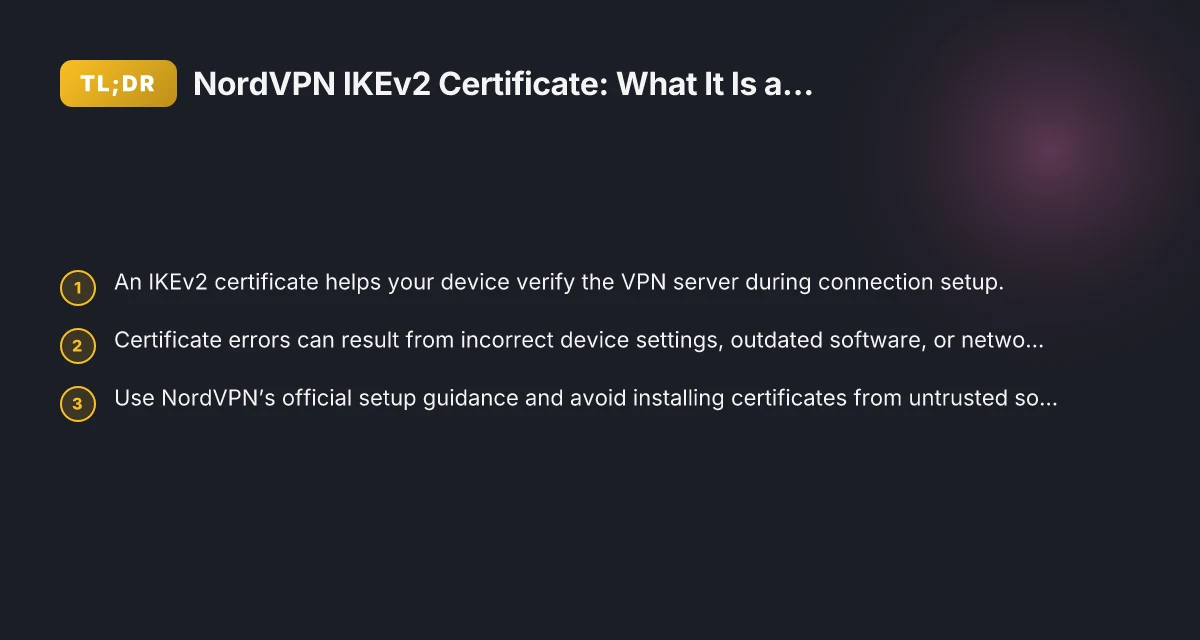
A NordVPN IKEv2 certificate is part of the security checks used when an IKEv2/IPsec VPN connection is established. It helps your device confirm that it is communicating with a legitimate VPN endpoint rather than an impostor. In most cases, you should not need to find or install a certificate manually: the NordVPN app handles connection details for you. Manual setup may require additional configuration, depending on your device and the current instructions from NordVPN.

Editor's pick: NordVPN — fast, secure VPN — Strong encryption, a no-logs policy and apps for every device. 30-day money-back guarantee. Get NordVPN →
| VPN | Obfuscation | From / month | Plan | Free plan | Refund | Alipay | UnionPay | Crypto | Website opens in China | Trustpilot | |
|---|---|---|---|---|---|---|---|---|---|---|---|
 NordVPN | Turn on manually Obfuscated Servers / NordWhisper | $3.49/mo | 27 months: $94.23 | No | 30 days | ? | ✗ | ✓ | ✓ | ✗ Blocked | 4.2/5 (51,628 reviews) |
 ZoogVPN | Turn on manually Shadow | $2.49/mo | 27 months: $59.99 | Yes | 7 days | ✓ | ✓ | ✓ | ✓ | Official site blocked; our special link opens (4.4 s) | 4.2/5 (195 reviews) |
 ExpressVPN | ✓ On by default all servers | $3.00/mo | 28 months: $84 | No | 30 days | ✗ | ✗ | ✓ | ✗ | ✗ Blocked | 4.4/5 (29,706 reviews) |
 Surfshark | ✓ On by default Camouflage, with OpenVPN | See site | See site | No | 30 days | ✗ | ✗ | ✗ | ✓ | ✗ Blocked | 4.3/5 (31,823 reviews) |
 Proton VPN | Turn on manually Stealth, free plan too | $2.99/mo | 12 months: $35.88 | Yes | 30 days | ✗ | ✗ | ✗ | ✓ | ✗ Blocked | 2.1/5 (1,040 reviews) |
 Astrill VPN | Turn on manually StealthVPN / OpenWeb | $12.50/mo | 24 months: $300 | No | See site | ✗ | ✗ | ✗ | ✓ | ✗ Blocked | 1.3/5 (110 reviews) |
 Private Internet Access | Turn on manually Shadowsocks, OpenVPN only | $2.03/mo | 40 months: $81.2 | No | 30 days | ✗ | ✗ | ✗ | ✗ | ✗ Blocked | 4.2/5 (11,033 reviews) |
 CyberGhost | Turn on manually selected servers | $2.19/mo | 28 months: $61.32 | No | 45 days | ✗ | ✗ | ✗ | ✓ | ✗ Blocked | 4.0/5 (24,178 reviews) |
 PureVPN | Turn on manually switch to OpenVPN | $1.69/mo | 60 months: $101.55 | No | 31 days | ? | ? | ✗ | ✓ | ✗ Blocked | 4.4/5 (17,994 reviews) |
 AdGuard VPN | ✓ On by default TrustTunnel | $2.99/mo | 24 months: $71.76 | Yes | 30 days | ✓ | ✗ | ✓ | ✓ | Official site blocked; our special link opens (3.7 s) | 4.3/5 (290 reviews) |
 Mullvad | Turn on manually QUIC / Shadowsocks / LWO | $5.61/mo | €5/mo | No | 14 days | ✗ | ✗ | ✗ | ✓ | ✗ Blocked | 3.2/5 (192 reviews) |
 Windscribe | Turn on manually Stealth / WStunnel | $5.75/mo | 12 months: $69 | Yes | See site | ✗ | ✗ | ✗ | ✓ | ✗ Blocked | 4.7/5 (13,355 reviews) |
 StrongVPN | Turn on manually Scramble, OpenVPN TCP | See site | See site | No | 30 days | ✓ | ✗ | ✗ | ✗ | ✗ Blocked | 4.4/5 (2,695 reviews) |
 LightXtreme 闪连 | Not listed | $7.08/mo | 12 months: $84.99 | Yes | 30 days | ✓ | ✓ | ✓ | ✓ | ✓ Yes (3.5 s) | No page |
Prices checked 2026-11-10 on each vendor's pricing page (cheapest long plan, USD). Check the vendor's checkout for the final price.
Obfuscation checked 2026-11-14 on each vendor's site and help center: "on by default" = nothing to set; "turn on manually" = switch protocol or mode in settings; "not listed" = the vendor describes no obfuscation.
Payment methods checked 2026-11-10 on each vendor's payment pages: all 14 take cards and PayPal; ✗ = not listed, ? = the vendor's own pages disagree.
China access: whether the official website opens from mainland China networks (tests the website only, not the VPN connection). Last checked 2026-11-18 01:02 Beijing time.
Trustpilot score and review count checked 2026-11-10.
What the IKEv2 certificate does
IKEv2, short for Internet Key Exchange version 2, negotiates the secure connection between your device and a VPN server. It is commonly paired with IPsec, which encrypts traffic sent through the tunnel. During setup, certificates and other authentication information can help verify the identity of the server or client.
A certificate is not the same thing as your Nord Account password, a VPN server address, or an encryption key. It is a digital credential with information used in the connection’s authentication process. Your device checks it according to the configuration and trust rules for the VPN connection.
If verification succeeds, IKEv2 can proceed with establishing the protected tunnel. If it fails, the connection may stop and your device may show a certificate, authentication, or server identity error.
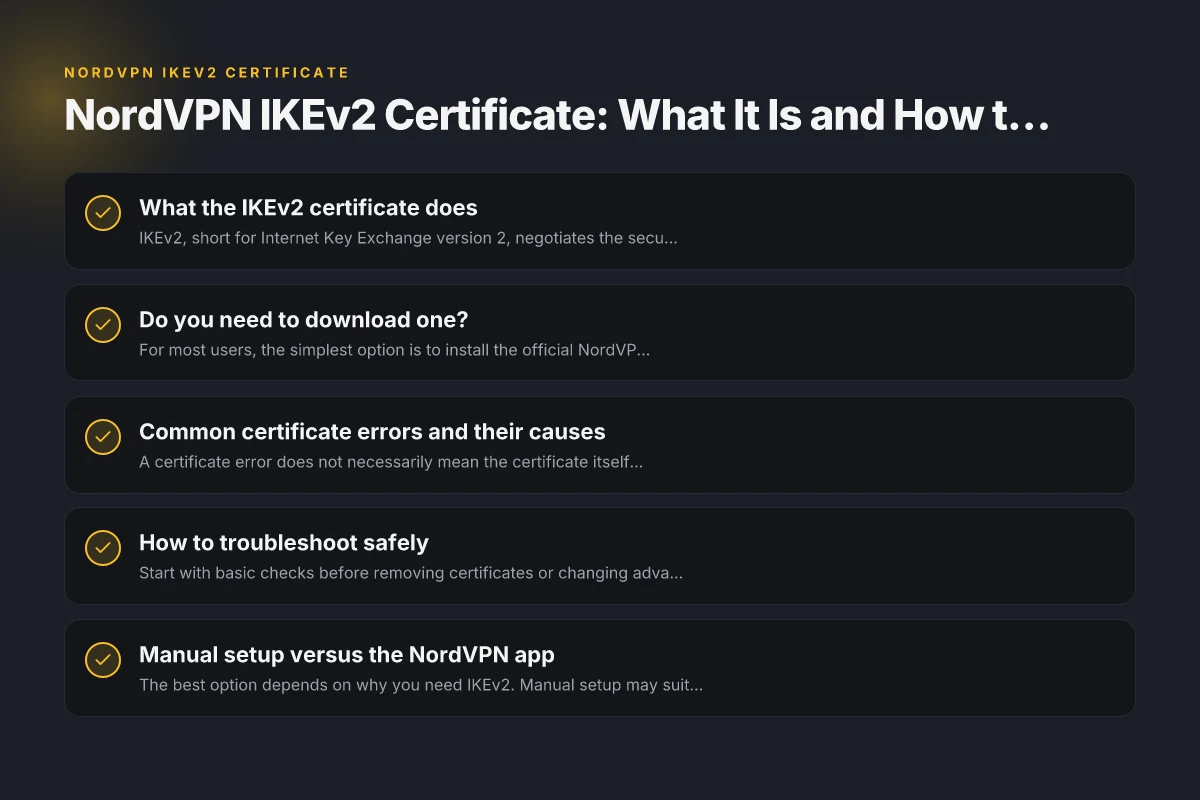
Do you need to download one?
For most users, the simplest option is to install the official NordVPN app and connect through it. The app manages the VPN configuration and is less prone to errors caused by manually entered server details or authentication settings. Best VPNs in India: What to Know Before You Choose
A certificate may be relevant if you are configuring IKEv2 manually through your operating system or a third-party VPN client. In that case, follow NordVPN’s current instructions for your device and connection method. The required settings can differ across operating systems, and they may change over time.
Before proceeding, check:
- Whether NordVPN currently supports the manual IKEv2 setup you are attempting on your device.
- Which server address and authentication method the official instructions specify.
- Whether a certificate is actually required for that configuration.
- Whether your operating system trusts the certificate and has the correct VPN profile settings.
Do not assume that a certificate found in an old forum post, download mirror, or unrelated guide is valid. A certificate must match the intended service and setup. Installing an unverified file could weaken your security or simply prevent the VPN from connecting.
Common certificate errors and their causes
A certificate error does not necessarily mean the certificate itself is defective. The problem may be in the connection profile, the device clock, the network, or the software. FortiClient VPN 7.2 Download for Windows 11: Official Steps and Setup
| Symptom | Possible cause | What to check |
|---|---|---|
| Certificate is not trusted | Missing or incorrectly installed certificate, or an outdated profile | Follow the current official setup steps and verify the certificate source |
| Server identity cannot be verified | Incorrect server name or VPN profile | Compare the server details with NordVPN’s instructions |
| Authentication fails | Wrong credentials or an incompatible authentication method | Recheck the required login details and configuration |
| Connection times out | Network restrictions, unstable internet, or blocked VPN traffic | Test another network and restart the connection |
| Connection fails after a system update | VPN profile or app may need updating | Update the app or recreate the profile using current instructions |
The exact wording of an error varies by device. A message about a certificate may point to a mismatch between the server name in the profile and the name the device expects, rather than to an expired certificate. Avoid changing multiple security settings at once. Doing so can make it harder to identify the cause.
How to troubleshoot safely
Start with basic checks before removing certificates or changing advanced options:
- Confirm your internet connection. Open a website without the VPN to make sure the device is online.
- Check the date and time. Incorrect system time can interfere with certificate validation.
- Update NordVPN and your operating system. Updates can fix connection bugs and refresh supported settings.
- Try the NordVPN app. If the app connects successfully, the issue may be limited to the manual IKEv2 profile.
- Review the profile details. Check that the server address, VPN type, and authentication method match NordVPN’s current instructions.
- Try a different network. A workplace, school, hotel, or public Wi-Fi network may restrict VPN connections.
- Re-create the VPN profile if needed. Remove only the profile you created for this setup, then follow the official instructions again.
If you are asked to enter credentials, use the account or service credentials specified in NordVPN’s setup guide. Do not assume that the password you use to sign in to the website is always the correct credential for every manual VPN configuration.
Manual setup versus the NordVPN app
The best option depends on why you need IKEv2. Manual setup may suit users who must configure a built-in VPN client or manage a device without the NordVPN app. However, it typically involves more settings to maintain and troubleshoot. VPN Turkey, Fast, Private Access for Travel and Everyday Use
| Option | Advantages | Considerations |
|---|---|---|
| NordVPN app | Manages connection settings and is generally simpler to update | Requires installing and using the app |
| Manual IKEv2 setup | Can work with a device’s built-in VPN controls | Depends on accurate profile details and current instructions |
| Another supported protocol | May be easier to configure on a particular device | Availability and performance vary by network and platform |
If IKEv2 repeatedly fails, check NordVPN’s support pages for alternative protocols supported on your device. A different protocol may connect more reliably on a restrictive network. The best choice depends on your operating system, network conditions, and NordVPN’s current support.
Recommendation
Use the NordVPN app unless you have a specific reason to configure IKEv2 manually. If manual setup is necessary, obtain certificate files and configuration details only from NordVPN’s official resources, and verify that they match your device and server settings. When a certificate error persists after updating and recreating the profile, contact NordVPN support with the exact error message and your device details rather than installing an unverified certificate.