NordVPN Basic vs Complete: Which Plan Should You Choose?
Compare NordVPN Basic and Complete features, costs, and use cases to find the plan that fits your privacy and security needs.


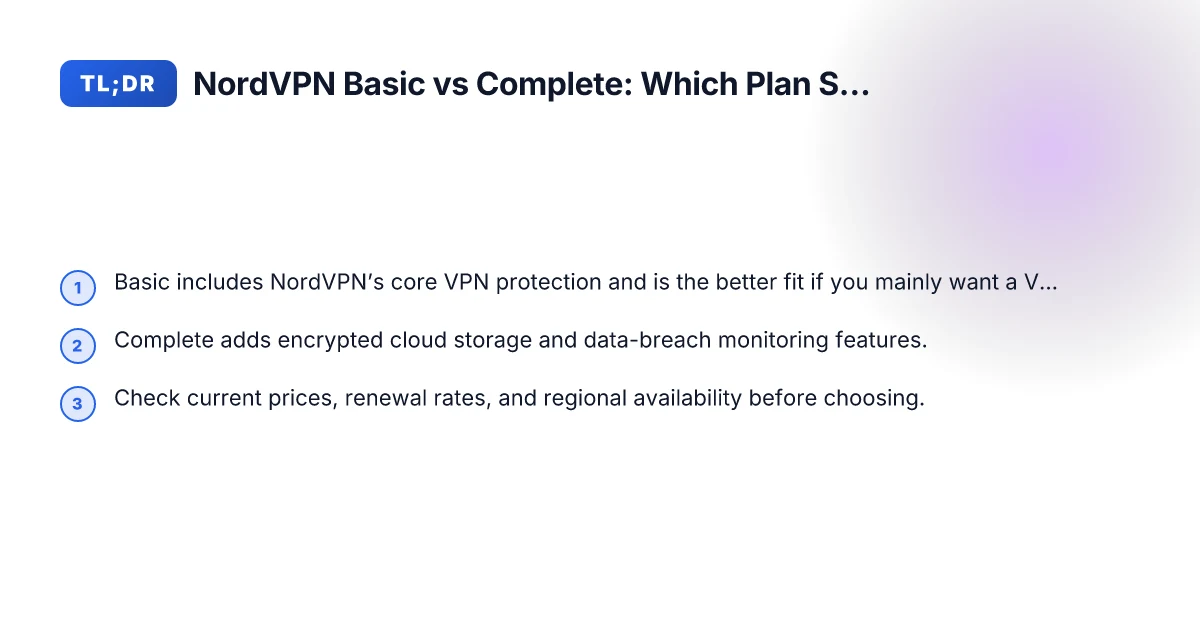
NordVPN Basic vs Complete comes down to whether you want only a VPN or a broader bundle of privacy tools. Basic covers the core service: encrypted internet traffic, a large server network, and access to NordVPN’s VPN features. Complete includes those VPN features plus NordLocker cloud storage and NordPass password-management and data-breach tools, though the exact bundle can vary by region and over time. If you already have storage and password tools you like, Basic may be enough. If you want an integrated set of services, Complete may offer better value.

Editor's pick: NordVPN — fast, secure VPN — Strong encryption, a no-logs policy and apps for every device. 30-day money-back guarantee. Get NordVPN →
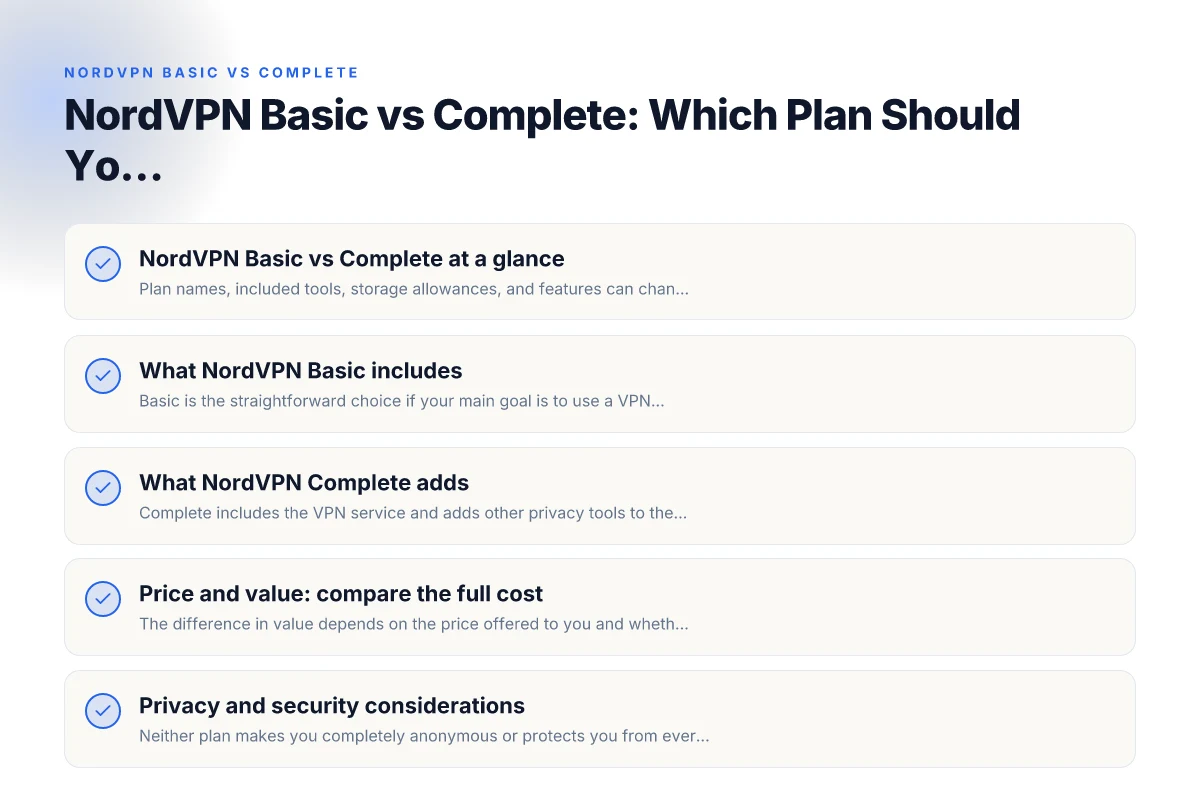
NordVPN Basic vs Complete at a glance
| Comparison point | Basic | Complete |
|---|---|---|
| VPN protection | Included | Included |
| Threat Protection Pro | Included | Included |
| Encrypted cloud storage | Not included | Included |
| NordPass password manager | Not included | Included |
| Data breach scanner | Not included | Included |
| Best suited to | VPN-focused use | VPN plus privacy tools |
| Main trade-off | Fewer bundled services | Higher plan cost |
Compiled November 2026; check the provider's site for current details.
| VPN | Obfuscation | From / month | Plan | Free plan | Refund | Alipay | UnionPay | Crypto | Website opens in China | Trustpilot | |
|---|---|---|---|---|---|---|---|---|---|---|---|
 NordVPN | Turn on manually Obfuscated Servers / NordWhisper | $3.49/mo | 27 months: $94.23 | No | 30 days | ? | ✗ | ✓ | ✓ | ✗ Blocked | 4.2/5 (51,628 reviews) |
 ZoogVPN | Turn on manually Shadow | $2.49/mo | 27 months: $59.99 | Yes | 7 days | ✓ | ✓ | ✓ | ✓ | Official site blocked; our special link opens (4.4 s) | 4.2/5 (195 reviews) |
 ExpressVPN | ✓ On by default all servers | $3.00/mo | 28 months: $84 | No | 30 days | ✗ | ✗ | ✓ | ✗ | ✗ Blocked | 4.4/5 (29,706 reviews) |
 Surfshark | ✓ On by default Camouflage, with OpenVPN | See site | See site | No | 30 days | ✗ | ✗ | ✗ | ✓ | ✗ Blocked | 4.3/5 (31,823 reviews) |
 Proton VPN | Turn on manually Stealth, free plan too | $2.99/mo | 12 months: $35.88 | Yes | 30 days | ✗ | ✗ | ✗ | ✓ | ✗ Blocked | 2.1/5 (1,040 reviews) |
 Astrill VPN | Turn on manually StealthVPN / OpenWeb | $12.50/mo | 24 months: $300 | No | See site | ✗ | ✗ | ✗ | ✓ | ✗ Blocked | 1.3/5 (110 reviews) |
 Private Internet Access | Turn on manually Shadowsocks, OpenVPN only | $2.03/mo | 40 months: $81.2 | No | 30 days | ✗ | ✗ | ✗ | ✗ | ✗ Blocked | 4.2/5 (11,033 reviews) |
 CyberGhost | Turn on manually selected servers | $2.19/mo | 28 months: $61.32 | No | 45 days | ✗ | ✗ | ✗ | ✓ | ✗ Blocked | 4.0/5 (24,178 reviews) |
 PureVPN | Turn on manually switch to OpenVPN | $1.69/mo | 60 months: $101.55 | No | 31 days | ? | ? | ✗ | ✓ | ✗ Blocked | 4.4/5 (17,994 reviews) |
 AdGuard VPN | ✓ On by default TrustTunnel | $2.99/mo | 24 months: $71.76 | Yes | 30 days | ✓ | ✗ | ✓ | ✓ | Official site blocked; our special link opens (3.7 s) | 4.3/5 (290 reviews) |
 Mullvad | Turn on manually QUIC / Shadowsocks / LWO | $5.61/mo | €5/mo | No | 14 days | ✗ | ✗ | ✗ | ✓ | ✗ Blocked | 3.2/5 (192 reviews) |
 Windscribe | Turn on manually Stealth / WStunnel | $5.75/mo | 12 months: $69 | Yes | See site | ✗ | ✗ | ✗ | ✓ | ✗ Blocked | 4.7/5 (13,355 reviews) |
 StrongVPN | Turn on manually Scramble, OpenVPN TCP | See site | See site | No | 30 days | ✓ | ✗ | ✗ | ✗ | ✗ Blocked | 4.4/5 (2,695 reviews) |
 LightXtreme 闪连 | Not listed | $7.08/mo | 12 months: $84.99 | Yes | 30 days | ✓ | ✓ | ✓ | ✓ | ✓ Yes (3.5 s) | No page |
Prices checked 2026-11-10 on each vendor's pricing page (cheapest long plan, USD). Check the vendor's checkout for the final price.
Obfuscation checked 2026-11-14 on each vendor's site and help center: "on by default" = nothing to set; "turn on manually" = switch protocol or mode in settings; "not listed" = the vendor describes no obfuscation.
Payment methods checked 2026-11-10 on each vendor's payment pages: all 14 take cards and PayPal; ✗ = not listed, ? = the vendor's own pages disagree.
China access: whether the official website opens from mainland China networks (tests the website only, not the VPN connection). Last checked 2026-11-18 01:02 Beijing time.
Trustpilot score and review count checked 2026-11-10.
NordVPN Basic vs Complete at a glance
| Feature | Basic | Complete |
|---|---|---|
| NordVPN VPN service | Included | Included |
| Encrypted VPN connection | Included | Included |
| Server network and VPN apps | Included | Included |
| NordPass password manager | Not typically included | Included |
| NordLocker encrypted cloud storage | Not typically included | Included |
| Data-breach monitoring features | Not typically included | Included with the relevant bundle |
| Best for | VPN-only users | Users who want a broader privacy bundle |
Plan names, included tools, storage allowances, and features can change. Confirm what is included in the checkout page for your country and subscription term before purchasing.
What NordVPN Basic includes
Basic is the straightforward choice if your main goal is to use a VPN. It routes your internet traffic through an encrypted connection and lets you connect through NordVPN’s available servers. That can help protect traffic on public Wi-Fi, reduce what your local network can see, and change the apparent location of your connection.
The VPN can also be useful when you want to access services while traveling. However, no VPN guarantees access to a particular streaming platform or website. Services can block VPN connections, and performance depends on factors such as your location, server load, device, and internet provider.
Basic may also provide access to VPN security features that are part of the current NordVPN service. Because feature names and availability can change, check NordVPN’s current plan page for details rather than assuming every feature is included everywhere. Microsoft Edge Free VPN Extension: What to Know Before You Install
Basic is likely the better fit if you:
- Need a VPN for travel, public Wi-Fi, or everyday browsing.
- Already use a password manager and secure cloud storage.
- Prefer to choose separate services for different needs.
- Want to keep your subscription focused on VPN protection.
What each plan includes
| Feature | Basic | Complete | What it does |
|---|---|---|---|
| VPN | Included | Included | Encrypts internet traffic |
| Threat Protection Pro | Included | Included | Helps block online threats |
| Encrypted cloud storage | Not included | Included | Stores files securely |
| NordPass password manager | Not included | Included | Stores and manages passwords |
| Data breach scanner | Not included | Included | Checks for exposed personal data |
| Standalone tool subscriptions | May be needed | Bundled features included | Depends on tools you use |
Compiled November 2026; check the provider's site for current details.
What NordVPN Complete adds
Complete includes the VPN service and adds other privacy tools to the subscription. The bundle has included NordPass, NordVPN’s password manager, and NordLocker, its encrypted cloud-storage service. It may also provide data-breach monitoring features through the included services. NordVPN Account Free: What You Can Get Without Paying
A password manager can help you create and store unique passwords, while encrypted cloud storage is designed to protect files stored through the service. Breach-monitoring tools can alert you when information associated with an account appears in known breach data. These tools do different jobs: they do not replace a VPN, and a VPN does not replace a password manager or secure backups.
The main appeal of Complete is convenience. You can get several tools from one provider and manage them under one subscription. That does not automatically make it cheaper or better than buying comparable services separately, so compare the actual features and prices you would use.
Complete may be a good match if you:
- Want a VPN and are also looking for a password manager.
- Need encrypted cloud storage for personal files.
- Prefer one bundled subscription over separate providers.
- Will actually use the additional tools, not just the VPN.
Price and value: compare the full cost
The difference in value depends on the price offered to you and whether you would otherwise pay for the added services. Promotional prices can make either plan look inexpensive at first, but the initial term may cost less than the renewal term. Compare the total cost for the full subscription period, not just the advertised monthly equivalent. NordVPN 3 Year Price: What You Can Expect to Pay
Before deciding, check:
- The price for the initial term and the renewal price.
- Whether the plan is billed upfront or monthly.
- The length of the subscription and any automatic-renewal terms.
- The amount of cloud storage included and any limits.
- Which NordPass and breach-monitoring features are part of the offer.
- The refund policy and conditions in your region.
If you already subscribe to a password manager and cloud-storage service, Complete could mean paying twice for tools you do not need. On the other hand, if you are shopping for those services anyway, compare their standalone prices and capabilities with the Complete bundle. Consider practical details such as storage capacity, device support, sharing options, and whether you can export your passwords or files if you later switch providers.
Privacy and security considerations
Neither plan makes you completely anonymous or protects you from every online threat. A VPN encrypts the connection between your device and the VPN server, but websites can still identify you through account logins, cookies, browser settings, or other signals. It also does not prevent malware, phishing, or weak passwords by itself.
For safer use, install the official apps, keep them updated, use strong and unique passwords, and enable multi-factor authentication where available. Read the current privacy and service terms to understand what data the provider collects and how each bundled service handles your information. If you rely on cloud storage, keep a separate backup of important files. A sync service is not necessarily a complete backup strategy. NordPass vs NordVPN: What’s the Difference, and Which Do You Need?
Also verify device limits and compatibility for the services you plan to use. A subscription may support multiple devices, but the specific terms and ways to use it can differ across the VPN, password manager, and storage products.
How to choose between NordVPN Basic and Complete
| If you… | Consider | Why |
|---|---|---|
| Mainly want a VPN | Basic | Includes VPN protection |
| Want Threat Protection Pro | Either plan | Included with both |
| Need encrypted cloud storage | Complete | Adds encrypted storage |
| Want a password manager | Complete | Includes NordPass |
| Want breach monitoring | Complete | Adds a data breach scanner |
| Already pay for similar tools | Compare total cost | Avoid paying twice for overlapping services |
| Value bundled convenience | Complete | Combines more services in one plan |
| Prefer fewer bundled extras | Basic | Focuses on VPN essentials |
Compiled November 2026; check the provider's site for current details.
How to choose between Basic and Complete
Choose Basic if the VPN is the only service you need, or if you already have suitable password and storage tools. It keeps the decision simple and avoids paying for a bundle whose extras may go unused. NordVPN: What’s My IP? How to Find and Check Your IP Address
Choose Complete if its added services match real needs and the bundle costs less than, or is more convenient than, your alternatives. Review the included storage amount and password-manager features closely: the plan name alone does not tell you whether the bundle suits your requirements.
Recommendation
For most people who only want VPN protection, NordVPN Basic is the sensible starting point. Choose Complete when you will use its password-management and encrypted-storage extras, and when the current price and renewal terms make the bundle worthwhile.