Fortinet VPN Japan: How to Choose, Set Up, and Use It

Learn how Fortinet VPN works in Japan, which options fit your needs, and how to configure a secure connection.
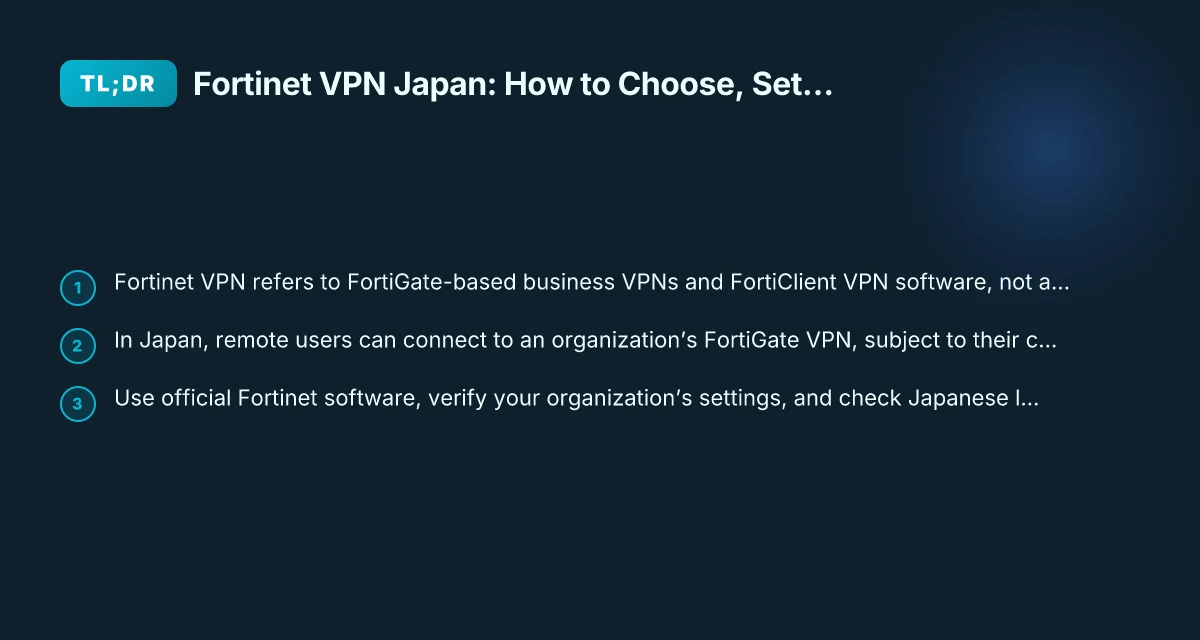
Fortinet VPN in Japan usually means using FortiClient to connect securely to an organization’s FortiGate network, or setting up FortiGate for employees and offices in Japan. It is primarily a business remote-access and site-to-site VPN solution, not a typical consumer service that sells access to Japanese IP addresses. If you are trying to work remotely, the right setup depends on your employer’s VPN gateway, account, and security requirements.

Editor's pick: NordVPN — fast, secure VPN — Strong encryption, a no-logs policy and apps for every device. 30-day money-back guarantee. Get NordVPN →
Compare Fortinet VPN deployment options
| Option | Best suited for | Typical setup | Remote-user access | Main consideration |
|---|---|---|---|---|
| FortiGate IPsec VPN | Site-to-site links or managed clients | Configure IPsec on FortiGate | Supported | Requires compatible client settings |
| FortiClient SSL VPN | Users needing browser-friendly access | Configure SSL VPN on FortiGate | Supported | Availability depends on FortiOS version and licensing |
| FortiClient IPsec VPN | Users needing a dedicated VPN client | Configure IPsec on FortiGate and client | Supported | Client and gateway settings must match |
| FortiClient EMS-managed VPN | Organizations managing many endpoints | Centrally deploy client profiles | Supported | Requires endpoint-management planning |
| FortiSASE | Distributed users and cloud-managed access | Set policies in the cloud service | Supported | Service availability and licensing vary |
| FortiGate in Japan | Teams needing a Japan-based gateway | Deploy or use a Japan-region gateway | Supported | Confirm routing and service availability |
| Existing corporate gateway | Employees connecting to company resources | Use the employer’s VPN profile | Supported | Access is controlled by the organization |
Compiled November 2026; check the provider's site for current details.
| VPN | Obfuscation | From / month | Plan | Free plan | Refund | Alipay | UnionPay | Crypto | Website opens in China | Trustpilot | |
|---|---|---|---|---|---|---|---|---|---|---|---|
 ZoogVPN | Turn on manually Shadow | $2.49/mo | 27 months: $59.99 | Yes | 7 days | ✓ | ✓ | ✓ | ✓ | Official site blocked; our special link opens (4.4 s) | 4.2/5 (195 reviews) |
 NordVPN | Turn on manually Obfuscated Servers / NordWhisper | $3.49/mo | 27 months: $94.23 | No | 30 days | ? | ✗ | ✓ | ✓ | ✗ Blocked | 4.2/5 (51,628 reviews) |
 ExpressVPN | ✓ On by default all servers | $3.00/mo | 28 months: $84 | No | 30 days | ✗ | ✗ | ✓ | ✗ | ✗ Blocked | 4.4/5 (29,706 reviews) |
 Surfshark | ✓ On by default Camouflage, with OpenVPN | See site | See site | No | 30 days | ✗ | ✗ | ✗ | ✓ | ✗ Blocked | 4.3/5 (31,823 reviews) |
 Proton VPN | Turn on manually Stealth, free plan too | $2.99/mo | 12 months: $35.88 | Yes | 30 days | ✗ | ✗ | ✗ | ✓ | ✗ Blocked | 2.1/5 (1,040 reviews) |
 Astrill VPN | Turn on manually StealthVPN / OpenWeb | $12.50/mo | 24 months: $300 | No | See site | ✗ | ✗ | ✗ | ✓ | ✗ Blocked | 1.3/5 (110 reviews) |
 Private Internet Access | Turn on manually Shadowsocks, OpenVPN only | $2.03/mo | 40 months: $81.2 | No | 30 days | ✗ | ✗ | ✗ | ✗ | ✗ Blocked | 4.2/5 (11,033 reviews) |
 CyberGhost | Turn on manually selected servers | $2.19/mo | 28 months: $61.32 | No | 45 days | ✗ | ✗ | ✗ | ✓ | ✗ Blocked | 4.0/5 (24,178 reviews) |
 PureVPN | Turn on manually switch to OpenVPN | $1.69/mo | 60 months: $101.55 | No | 31 days | ? | ? | ✗ | ✓ | ✗ Blocked | 4.4/5 (17,994 reviews) |
 AdGuard VPN | ✓ On by default TrustTunnel | $2.99/mo | 24 months: $71.76 | Yes | 30 days | ✓ | ✗ | ✓ | ✓ | Official site blocked; our special link opens (3.7 s) | 4.3/5 (290 reviews) |
 Mullvad | Turn on manually QUIC / Shadowsocks / LWO | $5.61/mo | €5/mo | No | 14 days | ✗ | ✗ | ✗ | ✓ | ✗ Blocked | 3.2/5 (192 reviews) |
 Windscribe | Turn on manually Stealth / WStunnel | $5.75/mo | 12 months: $69 | Yes | See site | ✗ | ✗ | ✗ | ✓ | ✗ Blocked | 4.7/5 (13,355 reviews) |
 StrongVPN | Turn on manually Scramble, OpenVPN TCP | See site | See site | No | 30 days | ✓ | ✗ | ✗ | ✗ | ✗ Blocked | 4.4/5 (2,695 reviews) |
 LightXtreme 闪连 | Not listed | $7.08/mo | 12 months: $84.99 | Yes | 30 days | ✓ | ✓ | ✓ | ✓ | ✓ Yes (3.5 s) | No page |
Prices checked 2026-11-10 on each vendor's pricing page (cheapest long plan, USD). Check the vendor's checkout for the final price.
Obfuscation checked 2026-11-14 on each vendor's site and help center: "on by default" = nothing to set; "turn on manually" = switch protocol or mode in settings; "not listed" = the vendor describes no obfuscation.
Payment methods checked 2026-11-10 on each vendor's payment pages: all 14 take cards and PayPal; ✗ = not listed, ? = the vendor's own pages disagree.
China access: whether the official website opens from mainland China networks (tests the website only, not the VPN connection). Last checked 2026-11-18 01:02 Beijing time.
Trustpilot score and review count checked 2026-11-10.
What “Fortinet VPN Japan” means
Fortinet is a cybersecurity company. FortiGate appliances and virtual machines can provide VPN connections, while FortiClient is software users may install on a computer or mobile device to connect to a configured VPN.
The keyword may refer to several different needs:
- An employee in Japan connecting to a company network.
- A Japanese business providing secure access to staff working remotely.
- A company linking offices or cloud networks in Japan and other countries.
- A person looking for a consumer VPN server located in Japan.
The first three are common Fortinet use cases. The last is different: Fortinet’s business VPN tools do not automatically provide a public, consumer-facing network of country-selection servers. A FortiClient connection only works when an organization has configured a compatible FortiGate VPN gateway and given you authorized access.
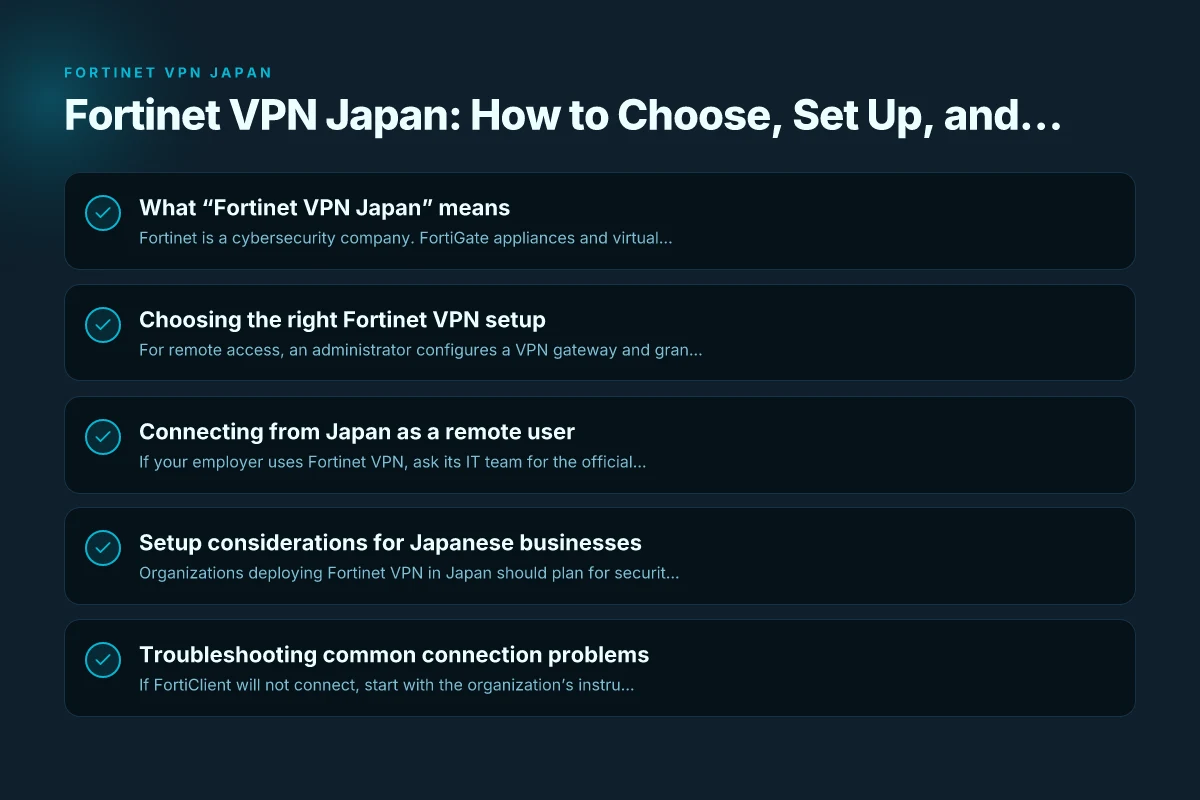
Choosing the right Fortinet VPN setup
For remote access, an administrator configures a VPN gateway and grants approved users access. Depending on the organization’s setup, the connection may use IPsec or SSL VPN, along with multifactor authentication, certificates, or identity-provider sign-in. Available features and configuration options vary by FortiOS, FortiClient version, licensing, and company policy. Best VPNs for Firestick: Top Picks for Streaming and Privacy
For linking locations, a site-to-site VPN connects networks through FortiGate devices. For example, a business might connect a Japanese office to its headquarters or cloud environment. This is usually managed by IT staff rather than individual employees.
| Need | Typical Fortinet approach | Who usually manages it |
|---|---|---|
| Employee access from Japan | FortiClient connecting to a company FortiGate | Company IT team |
| Connecting a Japanese office to another network | Site-to-site VPN between gateways | Network administrator |
| Personal browsing through a Japanese server | A consumer VPN service with Japan locations | Individual user |
| Secure access to company applications | FortiClient or another approved access method | Company IT and security teams |
If you only need a Japanese IP address for personal browsing, check whether a consumer VPN provider offers servers in Japan. Do not assume FortiClient can do this on its own. It needs an organization’s configured gateway.
Choose a connection approach for use from Japan
| User situation | Recommended approach | Gateway choice | What to confirm | Common trade-off |
|---|---|---|---|---|
| Employee accessing company systems | Employer-provided FortiClient profile | Company-designated gateway | Account, MFA, and approved client | Company policy limits changes |
| Japan-based user accessing overseas office | Company VPN profile | Office or regional gateway | Allowed routes and DNS settings | Traffic may take a longer route |
| User needing Japan-based egress | Authorized Japan-region VPN gateway | Japan gateway | Egress location and permitted use | Location does not guarantee low latency |
| Business connecting Japanese offices | Site-to-site IPsec | FortiGate at each site | Peer addresses and matching proposals | Requires network coordination |
| Small team with managed laptops | Centrally managed FortiClient | Organization-selected gateway | Device enrollment and profile deployment | Management setup adds administration |
| User on restricted public Wi-Fi | Approved VPN profile with MFA | Corporate gateway | Portal access and network restrictions | Captive portals may need sign-in first |
| User without an organization profile | Contact IT or choose a supported service | Provider-designated gateway | Authorization and service terms | Fortinet software alone does not provide a VPN service |
Compiled November 2026; check the provider's site for current details. Best VPN With Free Trials: Top Options to Test Before You Buy
Connecting from Japan as a remote user
If your employer uses Fortinet VPN, ask its IT team for the official setup instructions before installing or changing anything. The organization may require a specific FortiClient edition and version, a VPN portal address, an enrollment process, or a managed device.
A typical connection process is:
- Get the approved software. Follow your employer’s instructions and use an official Fortinet download source or company-managed software portal.
- Obtain the connection details. These may include a gateway address, VPN type, username, and authentication method. Your organization may install settings automatically.
- Complete required security steps. Enroll in multifactor authentication or install a certificate if your administrator requests it.
- Connect and test access. Confirm that approved work services are available, then report errors to IT rather than trying unknown settings.
- Disconnect when finished if required. Follow company rules about when the VPN must remain active.
A VPN may route all your internet traffic through the organization, or only route traffic intended for company resources. This is determined by the administrator. The connection can also be restricted by device health checks, location rules, or other security controls.
Setup considerations for Japanese businesses
Organizations deploying Fortinet VPN in Japan should plan for security, performance, and support, not just the initial connection. The gateway must be appropriately sized and configured, and remote users need clear instructions for setup and troubleshooting. Best VPN Trial: Top Free Trials and Risk-Free Options
Key considerations include:
- Authentication: Use strong authentication and multifactor authentication where supported and appropriate.
- Access control: Give users access only to the systems and networks they need.
- Software updates: Keep FortiGate firmware and FortiClient versions supported and patched. Test updates before broad deployment when practical.
- Capacity and performance: Consider the number of simultaneous users, application demands, and the gateway’s location relative to users and services.
- Monitoring: Review connection logs and security alerts under a documented retention and access policy.
- Resilience: Plan for gateway outages, backup connectivity, and a support process for users in different time zones.
Japanese organizations should also review applicable laws, regulations, contractual duties, and internal policies for handling personal and business information. A VPN encrypts traffic between a device and the VPN gateway, but it does not by itself guarantee compliance or protect data once it reaches other systems. Ask qualified legal and security professionals about requirements relevant to your organization.
Troubleshooting common connection problems
If FortiClient will not connect, start with the organization’s instructions and service-status notices. Avoid repeatedly changing VPN types, certificates, or security settings. Those values must match the gateway configuration.
Check these basics: Best VPN to Use in Turkey: Top Choices for Privacy, Speed, and Access
- Confirm that your internet connection works without the VPN.
- Verify the gateway address and username with IT.
- Check your device’s date and time, as incorrect settings can interfere with certificate validation.
- Make sure multifactor prompts are approved and completed.
- Install the organization’s required FortiClient version and operating-system updates.
- Record the error message and the time it occurred, then send those details to support.
Do not share passwords, one-time codes, private keys, or configuration files through public forums. If a connection works but company resources remain unavailable, the issue may involve routing, permissions, DNS, or an application-specific restriction that only the administrator can resolve.
Troubleshoot common Fortinet VPN connection problems
| Symptom | First check | Likely area | Practical action | Escalate when |
|---|---|---|---|---|
| VPN will not connect | Internet access and server name | Network or profile | Retry on another trusted network | Failure persists across networks |
| Login is rejected | Username, password, and MFA | Account or authentication | Re-enter credentials and approve MFA | Account may be locked or unprovisioned |
| Connection times out | Gateway address and network access | Firewall or routing | Check whether the VPN portal is reachable | Gateway remains unreachable |
| Connected, but internal sites fail | Assigned routes and DNS | Split tunnel or DNS | Test an approved internal address | Multiple internal resources fail |
| Slow connection | Gateway region and local network | Latency or congestion | Try a more suitable approved gateway | Slowness persists on a stable network |
| Client reports a certificate warning | Certificate name and validity | Certificate configuration | Stop and verify the gateway with IT | Warning is unexpected or unresolved |
| VPN disconnects repeatedly | Wi-Fi stability and client version | Local network or software | Update the approved client and test a stable link | Disconnects continue |
| VPN works on one network only | Network filtering or captive portal | Local network policy | Complete portal sign-in or try another network | The network blocks required VPN traffic |
Compiled November 2026; check the provider's site for current details.
Recommendation
For work in Japan, use Fortinet VPN only when your employer or organization provides and supports the FortiGate connection. Install the approved FortiClient software, follow its authentication and device policies, and contact IT for configuration or access problems. If your goal is simply to obtain a Japanese IP address for personal use, compare consumer VPN services that explicitly list Japan locations instead of treating FortiClient as a public VPN service. Best VPN to Use in Germany: Top Picks for Privacy, Streaming, and Travel