Does NordVPN Still Have Threat Protection? What to Know
Yes, NordVPN still offers Threat Protection, though its features and availability depend on the app and device.
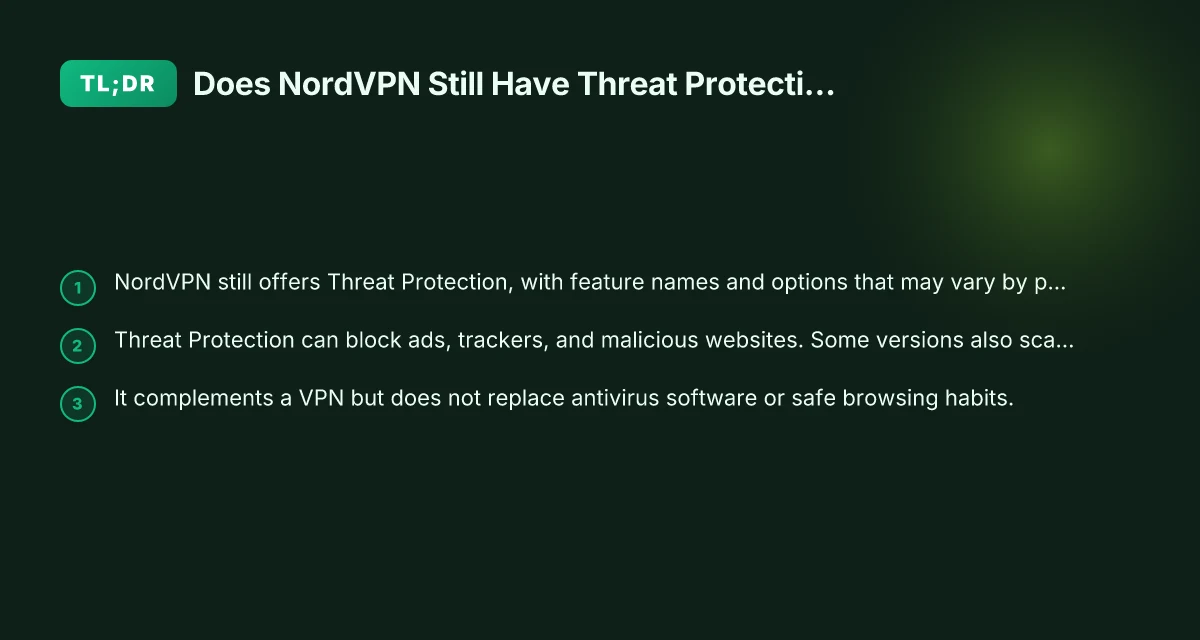
Yes, NordVPN still has Threat Protection. It is a set of security features designed to block certain online threats, such as intrusive ads, trackers, and access to known malicious websites. Depending on your device and the version of the app, you may see it called Threat Protection or Threat Protection Pro, and the specific tools available can differ.

Editor's pick: NordVPN — fast, secure VPN — Strong encryption, a no-logs policy and apps for every device. 30-day money-back guarantee. Get NordVPN →
Compare NordVPN Threat Protection with traditional antivirus software
| Comparison point | NordVPN Threat Protection | Traditional antivirus software |
|---|---|---|
| Main purpose | Blocks online threats | Detects and removes malware |
| Malicious websites | Can block them | Often blocks them |
| Trackers and ads | Can block them | Varies by product |
| Download scanning | Available in some versions | Common feature |
| Device-wide malware removal | Not a replacement | Often supported |
| VPN connection required | Depends on feature and version | No |
| Best suited for | Extra online protection | Broader device protection |
| Can replace the other? | No | No |
Compiled November 2026; check the provider's site for current details.
| VPN | Obfuscation | From / month | Plan | Free plan | Refund | Alipay | UnionPay | Crypto | Website opens in China | Trustpilot | |
|---|---|---|---|---|---|---|---|---|---|---|---|
 NordVPN | Turn on manually Obfuscated Servers / NordWhisper | $3.49/mo | 27 months: $94.23 | No | 30 days | ? | ✗ | ✓ | ✓ | ✗ Blocked | 4.2/5 (51,628 reviews) |
 ZoogVPN | Turn on manually Shadow | $2.49/mo | 27 months: $59.99 | Yes | 7 days | ✓ | ✓ | ✓ | ✓ | Official site blocked; our special link opens (4.4 s) | 4.2/5 (195 reviews) |
 ExpressVPN | ✓ On by default all servers | $3.00/mo | 28 months: $84 | No | 30 days | ✗ | ✗ | ✓ | ✗ | ✗ Blocked | 4.4/5 (29,706 reviews) |
 Surfshark | ✓ On by default Camouflage, with OpenVPN | See site | See site | No | 30 days | ✗ | ✗ | ✗ | ✓ | ✗ Blocked | 4.3/5 (31,823 reviews) |
 Proton VPN | Turn on manually Stealth, free plan too | $2.99/mo | 12 months: $35.88 | Yes | 30 days | ✗ | ✗ | ✗ | ✓ | ✗ Blocked | 2.1/5 (1,040 reviews) |
 Astrill VPN | Turn on manually StealthVPN / OpenWeb | $12.50/mo | 24 months: $300 | No | See site | ✗ | ✗ | ✗ | ✓ | ✗ Blocked | 1.3/5 (110 reviews) |
 Private Internet Access | Turn on manually Shadowsocks, OpenVPN only | $2.03/mo | 40 months: $81.2 | No | 30 days | ✗ | ✗ | ✗ | ✗ | ✗ Blocked | 4.2/5 (11,033 reviews) |
 CyberGhost | Turn on manually selected servers | $2.19/mo | 28 months: $61.32 | No | 45 days | ✗ | ✗ | ✗ | ✓ | ✗ Blocked | 4.0/5 (24,178 reviews) |
 PureVPN | Turn on manually switch to OpenVPN | $1.69/mo | 60 months: $101.55 | No | 31 days | ? | ? | ✗ | ✓ | ✗ Blocked | 4.4/5 (17,994 reviews) |
 AdGuard VPN | ✓ On by default TrustTunnel | $2.99/mo | 24 months: $71.76 | Yes | 30 days | ✓ | ✗ | ✓ | ✓ | Official site blocked; our special link opens (3.7 s) | 4.3/5 (290 reviews) |
 Mullvad | Turn on manually QUIC / Shadowsocks / LWO | $5.61/mo | €5/mo | No | 14 days | ✗ | ✗ | ✗ | ✓ | ✗ Blocked | 3.2/5 (192 reviews) |
 Windscribe | Turn on manually Stealth / WStunnel | $5.75/mo | 12 months: $69 | Yes | See site | ✗ | ✗ | ✗ | ✓ | ✗ Blocked | 4.7/5 (13,355 reviews) |
 StrongVPN | Turn on manually Scramble, OpenVPN TCP | See site | See site | No | 30 days | ✓ | ✗ | ✗ | ✗ | ✗ Blocked | 4.4/5 (2,695 reviews) |
 LightXtreme 闪连 | Not listed | $7.08/mo | 12 months: $84.99 | Yes | 30 days | ✓ | ✓ | ✓ | ✓ | ✓ Yes (3.5 s) | No page |
Prices checked 2026-11-10 on each vendor's pricing page (cheapest long plan, USD). Check the vendor's checkout for the final price.
Obfuscation checked 2026-11-14 on each vendor's site and help center: "on by default" = nothing to set; "turn on manually" = switch protocol or mode in settings; "not listed" = the vendor describes no obfuscation.
Payment methods checked 2026-11-10 on each vendor's payment pages: all 14 take cards and PayPal; ✗ = not listed, ? = the vendor's own pages disagree.
China access: whether the official website opens from mainland China networks (tests the website only, not the VPN connection). Last checked 2026-11-18 01:02 Beijing time.
Trustpilot score and review count checked 2026-11-10.
What NordVPN Threat Protection does
Threat Protection works alongside NordVPN’s VPN service, but it is not the same thing as a VPN connection. The VPN encrypts your internet traffic between your device and a VPN server. Threat Protection focuses on filtering or checking certain content and files.
Depending on the app and operating system, its features may include:
- Blocking ads and web trackers.
- Warning you about, or blocking access to, websites identified as dangerous.
- Scanning downloaded files for malware.
- Removing some tracking information from links.
These features are intended to reduce common online risks and make browsing less cluttered. They do not guarantee that every malicious site, file, or ad will be detected.
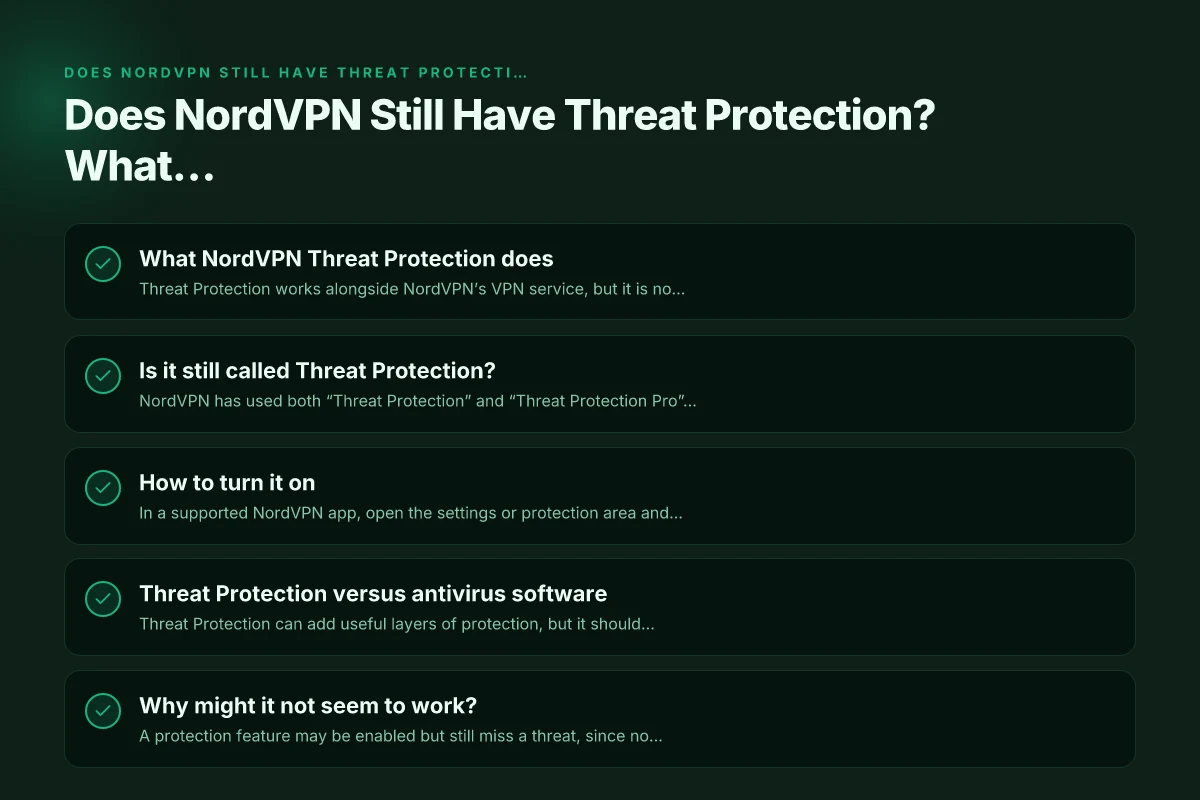
Is it still called Threat Protection?
NordVPN has used both “Threat Protection” and “Threat Protection Pro” for its security features. The label and feature set can change as NordVPN updates its apps, and they may not be identical across desktop and mobile versions. How to Install Mullvad VPN on China: A Practical Guide
| Feature or detail | What to expect |
|---|---|
| Name in the app | May appear as Threat Protection or Threat Protection Pro |
| Ad and tracker blocking | Available in supported versions |
| Malicious website protection | Availability and behavior depend on the app |
| Download scanning | May be limited to supported platforms or versions |
| VPN connection required | Some protections may work without connecting to a VPN; check the app’s current settings |
For the most accurate details, check the feature description and settings in your installed NordVPN app. A feature listed for one platform may not be available in the same form on another.
How to turn it on
In a supported NordVPN app, open the settings or protection area and look for Threat Protection or Threat Protection Pro. Switch on the features you want, then follow any prompts to grant the app the permissions it needs.
If you cannot find the option, try these steps:
- Update NordVPN to the latest version available for your device.
- Check the app’s settings and feature descriptions.
- Confirm that your operating system and subscription support the feature.
- Consult NordVPN’s current support information for platform-specific instructions.
The menu names and setup steps can change. If a feature does not appear, it may not be available for that device or app version. Does NordVPN Hide Your IP Address? What It Does, and What It Doesn’t
Troubleshoot NordVPN Threat Protection
| What you notice | Possible reason | What to check | What to try |
|---|---|---|---|
| Feature is hard to find | Name or layout changed | App version and settings | Look for Threat Protection or Threat Protection Pro |
| Ads still appear | Blocking is not comprehensive | Whether protection is enabled | Check settings and update the app |
| A site is not blocked | Site may not be identified as harmful | Protection status | Report or avoid the site |
| Downloads are not scanned | Feature availability varies | App and operating system | Check supported features |
| Protection stops when VPN disconnects | Some features depend on the connection | VPN status | Reconnect or review app settings |
| Another security app reports a threat | Separate tools can detect different risks | Alert details | Follow the security app’s guidance |
| Protection appears inactive | Settings may be off or outdated | App permissions and updates | Enable the feature and update the app |
Compiled November 2026; check the provider's site for current details.
Threat Protection versus antivirus software
Threat Protection can add useful layers of protection, but it should not automatically be treated as a full antivirus replacement. Antivirus programs may offer broader malware detection, scheduled scans, quarantine tools, and other protections that vary by product. NordVPN’s features are designed to address particular risks within its supported apps.
A practical way to think about the difference is: Others VPN for Deploy Cloudflare: Alternatives and Setup Choices
- VPN: Encrypts traffic between your device and a VPN server and can help protect your connection on public Wi-Fi.
- Threat Protection: Filters or checks certain ads, trackers, websites, and downloads, depending on the platform.
- Antivirus: Typically provides dedicated tools for detecting and managing malware on a device.
The categories can overlap, but they are not interchangeable. Keep your operating system and apps updated, use reputable security software where appropriate, and avoid opening unexpected links or attachments.
Why might it not seem to work?
A protection feature may be enabled but still miss a threat, since no filter catches everything. Conversely, ad or tracker blocking may cause a website to load incorrectly. If a trusted site or app has problems, try turning off the relevant feature temporarily, then check whether the issue changes.
Also remember that website owners, advertisers, and apps may use methods that a blocker does not recognize. A VPN connection alone does not mean Threat Protection is active, so check the feature’s status in the app rather than assuming it is on.
Recommendation
Yes, NordVPN still offers Threat Protection, but the exact name and capabilities depend on your device and app version. Turn it on if it is available, review which protections are enabled, and treat it as an additional layer, not a substitute for antivirus software, updates, or careful browsing. Does NordVPN Have an Adblocker? How Threat Protection Works