Does NordVPN Have a Family Plan? Plans, Devices, and Sharing Explained
NordVPN does not offer a dedicated family plan, but one account can protect up to 10 devices at once.
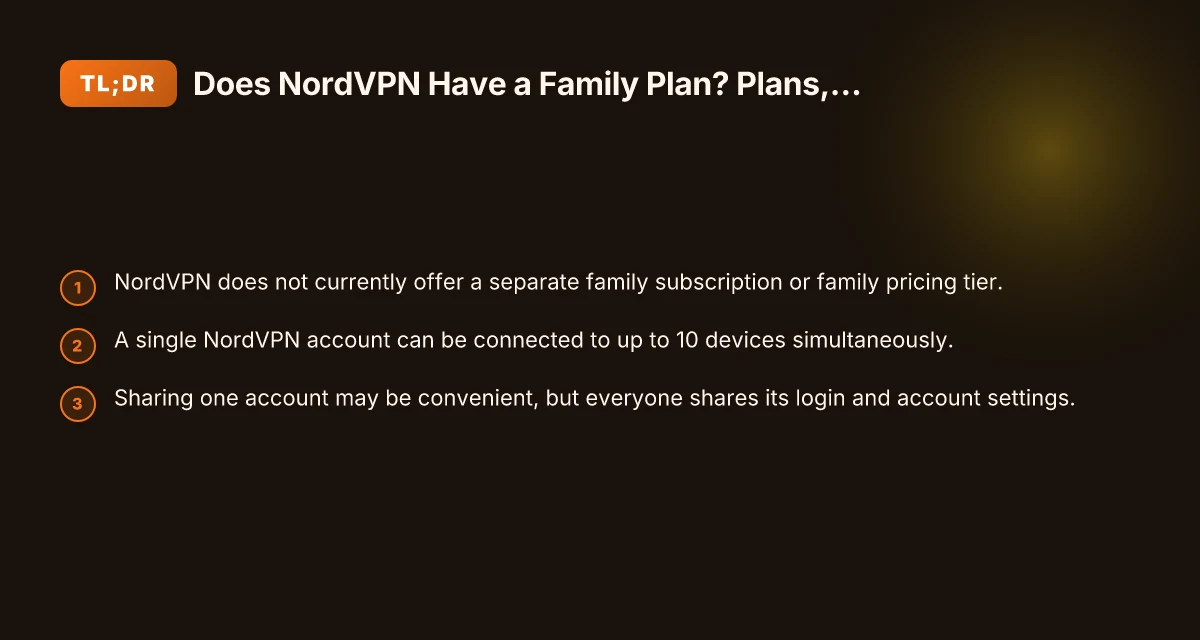
If you’re asking, “Does NordVPN have a family plan?” the short answer is no: NordVPN does not offer a dedicated family plan. However, one subscription can be used on up to 10 devices at the same time, which may be enough for a small household. Whether it works well for your family depends on how many devices need protection and whether everyone is comfortable sharing one account.

Editor's pick: NordVPN — fast, secure VPN — Strong encryption, a no-logs policy and apps for every device. 30-day money-back guarantee. Get NordVPN →
NordVPN household coverage at a glance
| Option | Separate subscriptions | Devices covered | Household sharing | Best fit |
|---|---|---|---|---|
| One NordVPN subscription | No | Up to 10 at once | Share account access | Small households |
| Multiple subscriptions | Yes | Separate device limits | Each person manages their own | Larger households |
| NordVPN family plan | Not applicable | Not applicable | No dedicated family plan | Families comparing plan types |
| One person’s devices | No | Count toward the same limit | Supported within the limit | Individual users |
| Family members’ devices | No | Count toward the same limit | Supported within the limit | Households sharing one account |
| More than 10 devices at once | Optional | Exceeds one subscription’s limit | Needs another subscription | Larger or device-heavy households |
Compiled November 2026; check the provider's site for current details.
| VPN | Obfuscation | From / month | Plan | Free plan | Refund | Alipay | UnionPay | Crypto | Website opens in China | Trustpilot | |
|---|---|---|---|---|---|---|---|---|---|---|---|
 NordVPN | Turn on manually Obfuscated Servers / NordWhisper | $3.49/mo | 27 months: $94.23 | No | 30 days | ? | ✗ | ✓ | ✓ | ✗ Blocked | 4.2/5 (51,628 reviews) |
 ZoogVPN | Turn on manually Shadow | $2.49/mo | 27 months: $59.99 | Yes | 7 days | ✓ | ✓ | ✓ | ✓ | Official site blocked; our special link opens (4.4 s) | 4.2/5 (195 reviews) |
 ExpressVPN | ✓ On by default all servers | $3.00/mo | 28 months: $84 | No | 30 days | ✗ | ✗ | ✓ | ✗ | ✗ Blocked | 4.4/5 (29,706 reviews) |
 Surfshark | ✓ On by default Camouflage, with OpenVPN | See site | See site | No | 30 days | ✗ | ✗ | ✗ | ✓ | ✗ Blocked | 4.3/5 (31,823 reviews) |
 Proton VPN | Turn on manually Stealth, free plan too | $2.99/mo | 12 months: $35.88 | Yes | 30 days | ✗ | ✗ | ✗ | ✓ | ✗ Blocked | 2.1/5 (1,040 reviews) |
 Astrill VPN | Turn on manually StealthVPN / OpenWeb | $12.50/mo | 24 months: $300 | No | See site | ✗ | ✗ | ✗ | ✓ | ✗ Blocked | 1.3/5 (110 reviews) |
 Private Internet Access | Turn on manually Shadowsocks, OpenVPN only | $2.03/mo | 40 months: $81.2 | No | 30 days | ✗ | ✗ | ✗ | ✗ | ✗ Blocked | 4.2/5 (11,033 reviews) |
 CyberGhost | Turn on manually selected servers | $2.19/mo | 28 months: $61.32 | No | 45 days | ✗ | ✗ | ✗ | ✓ | ✗ Blocked | 4.0/5 (24,178 reviews) |
 PureVPN | Turn on manually switch to OpenVPN | $1.69/mo | 60 months: $101.55 | No | 31 days | ? | ? | ✗ | ✓ | ✗ Blocked | 4.4/5 (17,994 reviews) |
 AdGuard VPN | ✓ On by default TrustTunnel | $2.99/mo | 24 months: $71.76 | Yes | 30 days | ✓ | ✗ | ✓ | ✓ | Official site blocked; our special link opens (3.7 s) | 4.3/5 (290 reviews) |
 Mullvad | Turn on manually QUIC / Shadowsocks / LWO | $5.61/mo | €5/mo | No | 14 days | ✗ | ✗ | ✗ | ✓ | ✗ Blocked | 3.2/5 (192 reviews) |
 Windscribe | Turn on manually Stealth / WStunnel | $5.75/mo | 12 months: $69 | Yes | See site | ✗ | ✗ | ✗ | ✓ | ✗ Blocked | 4.7/5 (13,355 reviews) |
 StrongVPN | Turn on manually Scramble, OpenVPN TCP | See site | See site | No | 30 days | ✓ | ✗ | ✗ | ✗ | ✗ Blocked | 4.4/5 (2,695 reviews) |
 LightXtreme 闪连 | Not listed | $7.08/mo | 12 months: $84.99 | Yes | 30 days | ✓ | ✓ | ✓ | ✓ | ✓ Yes (3.5 s) | No page |
Prices checked 2026-11-10 on each vendor's pricing page (cheapest long plan, USD). Check the vendor's checkout for the final price.
Obfuscation checked 2026-11-14 on each vendor's site and help center: "on by default" = nothing to set; "turn on manually" = switch protocol or mode in settings; "not listed" = the vendor describes no obfuscation.
Payment methods checked 2026-11-10 on each vendor's payment pages: all 14 take cards and PayPal; ✗ = not listed, ? = the vendor's own pages disagree.
China access: whether the official website opens from mainland China networks (tests the website only, not the VPN connection). Last checked 2026-11-18 01:02 Beijing time.
Trustpilot score and review count checked 2026-11-10.
How NordVPN works for households
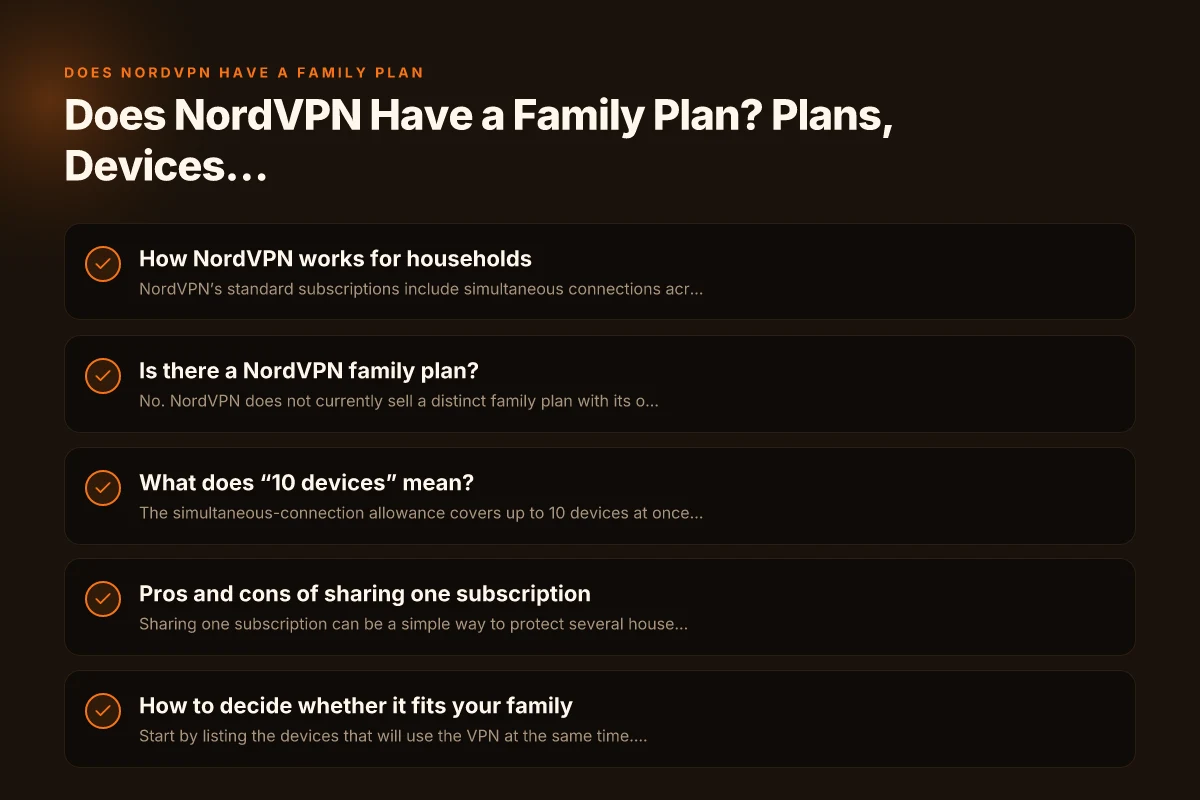
NordVPN’s standard subscriptions include simultaneous connections across up to 10 devices. These can be personal devices such as phones, computers, tablets, and compatible TVs. The limit applies to devices connected at the same time, rather than to a specially defined number of family members.
That makes a regular subscription a practical option for some households. For example, one person might use it on a laptop and phone, while other household members connect their own devices. But NordVPN does not provide separate family profiles or a family dashboard that lets an account owner manage each person’s VPN access independently.
Plans, features, and connection limits can change, so check NordVPN’s current offer and terms before subscribing.
Is there a NordVPN family plan?
No. NordVPN does not currently sell a distinct family plan with its own household pricing, member accounts, or parental controls. Instead, customers choose from the company’s regular subscription plans and use the included device connections. Configure Windows 11 VPN IPsec Client to Replace FortiClient: What You Need to Know
| Option | How it works | Best for |
|---|---|---|
| NordVPN individual subscription | One account, with up to 10 simultaneous device connections | Individuals, couples, or small households |
| Separate subscriptions | Each person has their own account and billing | Families who want independent logins and account control |
| Family plan | Not currently offered as a separate NordVPN plan | Households seeking bundled family pricing or managed member accounts |
A standard subscription may cost less than buying multiple subscriptions if the household can share the available connections. However, it is not the same as a formal family membership: users do not get separate account credentials through a family organizer feature.
What does “10 devices” mean?
The simultaneous-connection allowance covers up to 10 devices at once on a single account. A household should count the devices likely to be connected concurrently, not just the number of people.
For instance, three family members might each use a phone and a laptop, bringing the total to six connections. Add a tablet, a TV, and another computer, and the household could reach nine. If more than 10 devices need VPN connections at the same time, the account’s limit may not be enough.
Some routers can also use a VPN connection to cover devices on the home network. Router setup can be more technical, and it may affect how the connection limit applies. Check NordVPN’s current instructions before relying on a router as a way to cover an entire household. Apps That Conflict With VPN: What Stops Working and How to Fix It
Sharing one NordVPN subscription
| Consideration | Shared subscription | Separate subscriptions |
|---|---|---|
| Number of plans | One | More than one |
| Simultaneous device limit | Up to 10 devices | Separate limits per subscription |
| Account access | Shared among users | Managed separately |
| Household setup | Simple for a small household | More setup |
| Device-limit management | Users share the same limit | Limits are kept separate |
| Best for | Families within the device limit | Families needing more capacity |
| Dedicated family plan | Not available | Not required |
Compiled November 2026; check the provider's site for current details.
Pros and cons of sharing one subscription
Sharing one subscription can be a simple way to protect several household devices, but the arrangement has trade-offs.
Potential advantages: Does NordVPN Cost Money? Plans, Pricing, and Free Options
- One subscription may cost less than several individual plans.
- Household members can use the VPN on their own supported devices.
- The account may cover everyday devices such as phones and computers, subject to the connection limit.
- There is only one subscription to renew and manage.
Potential drawbacks:
- Everyone shares the account login rather than having a separate family member account.
- The account owner handles billing and may be responsible for account access.
- The household has to stay within the simultaneous-device limit.
- There is no dedicated family dashboard or separate member management feature.
- A shared login may be unsuitable for people who want stronger privacy between household members.
Before sharing credentials, review NordVPN’s current terms and follow its account-security guidance. Use a strong, unique password, and consider whether every person who has access should be able to manage the account.
How to decide whether it fits your family
Start by listing the devices that will use the VPN at the same time. Remember that one person may connect several devices, so the number of users alone is not enough to determine whether the limit will work.
Then consider how you want to manage the account. If everyone is comfortable using one login and sharing a subscription, a regular NordVPN plan may be a convenient household option. If family members want separate billing, private credentials, or independently managed accounts, separate subscriptions may be a better fit. Does NordVPN Come With Antivirus? What Threat Protection Pro Does
Also check the plan details before paying. Subscription prices, promotional offers, renewal rates, included features, and device limits can change. Read the current terms and checkout information rather than relying on an old price or a third-party comparison.
Which NordVPN setup fits your household?
| Household situation | One subscription | Separate subscriptions | Decision cue |
|---|---|---|---|
| Few devices used at once | Suitable | Usually unnecessary | Stay within the 10-device limit |
| Several family members share devices | Suitable | Optional | Count simultaneous connections |
| More than 10 devices used at once | Not enough on its own | Suitable | Consider another subscription |
| Users want separate account access | Less suitable | Suitable | Choose independent subscriptions |
| Household wants a family-specific plan | No dedicated plan | Not applicable | Compare available individual plans |
| Users can coordinate device use | Suitable | Optional | Sharing may work |
| Device use regularly exceeds the limit | Less suitable | Suitable | Separate subscriptions add capacity |
Compiled November 2026; check the provider's site for current details.
Recommendation
NordVPN does not have a dedicated family plan, but a standard subscription can suit a small household if up to 10 simultaneous device connections are enough and everyone is comfortable sharing one account. Count your household’s connected devices and review the current terms before buying. If you need individual logins or independent account management, choose separate subscriptions instead. Does NordVPN Come With Antivirus? What Threat Protection Includes