Does Microsoft Currently Offer a VPN Service? What You Need to Know
Microsoft offers VPN-related features, but Windows’ built-in VPN client is not a VPN subscription service.


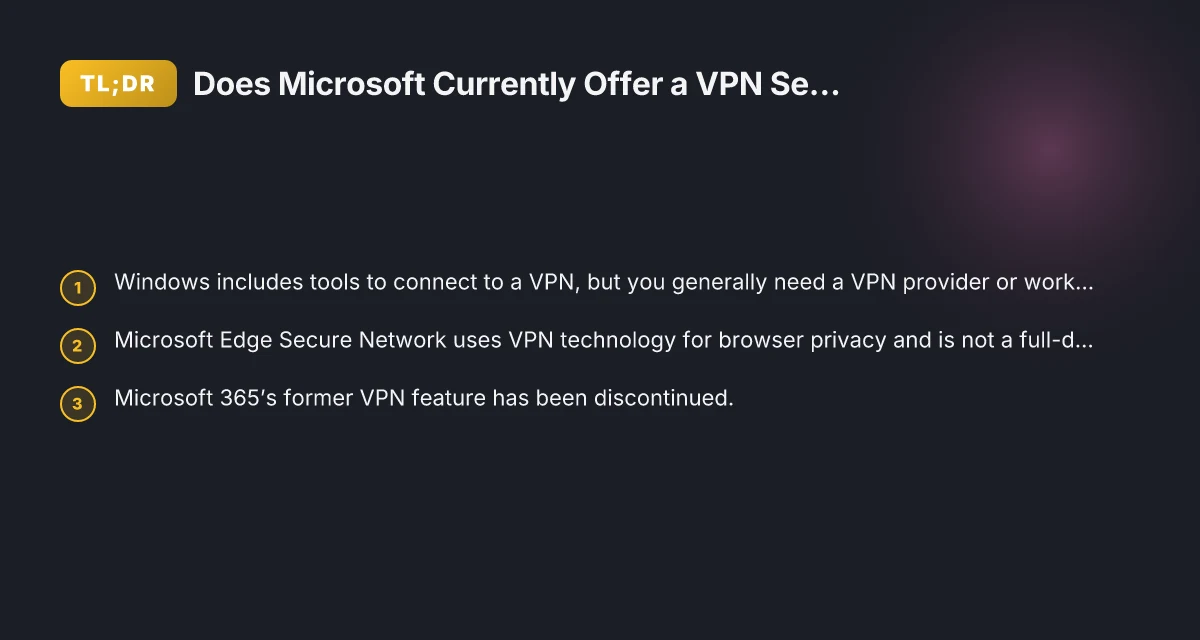
If you’re asking, “Does Microsoft currently offer a VPN service?” the short answer is: not as a general-purpose, standalone VPN subscription for protecting all your devices and internet traffic. Microsoft does offer VPN-related features, including a VPN connection tool in Windows and Edge Secure Network, but these are different from subscribing to a traditional VPN provider.
The distinction matters: Windows can connect to a VPN, but it does not supply the VPN service itself. Edge Secure Network is a browser feature that uses VPN technology, while Microsoft’s older Microsoft 365 VPN feature has been shut off.
| VPN | Obfuscation | From / month | Plan | Free plan | Refund | Alipay | UnionPay | Crypto | Website opens in China | Trustpilot | |
|---|---|---|---|---|---|---|---|---|---|---|---|
 ZoogVPN | Turn on manually Shadow | $2.49/mo | 27 months: $59.99 | Yes | 7 days | ✓ | ✓ | ✓ | ✓ | Official site blocked; our special link opens (4.4 s) | 4.2/5 (195 reviews) |
 NordVPN | Turn on manually Obfuscated Servers / NordWhisper | $3.49/mo | 27 months: $94.23 | No | 30 days | ? | ✗ | ✓ | ✓ | ✗ Blocked | 4.2/5 (51,628 reviews) |
 ExpressVPN | ✓ On by default all servers | $3.00/mo | 28 months: $84 | No | 30 days | ✗ | ✗ | ✓ | ✗ | ✗ Blocked | 4.4/5 (29,706 reviews) |
 Surfshark | ✓ On by default Camouflage, with OpenVPN | See site | See site | No | 30 days | ✗ | ✗ | ✗ | ✓ | ✗ Blocked | 4.3/5 (31,823 reviews) |
 Proton VPN | Turn on manually Stealth, free plan too | $2.99/mo | 12 months: $35.88 | Yes | 30 days | ✗ | ✗ | ✗ | ✓ | ✗ Blocked | 2.1/5 (1,040 reviews) |
 Astrill VPN | Turn on manually StealthVPN / OpenWeb | $12.50/mo | 24 months: $300 | No | See site | ✗ | ✗ | ✗ | ✓ | ✗ Blocked | 1.3/5 (110 reviews) |
 Private Internet Access | Turn on manually Shadowsocks, OpenVPN only | $2.03/mo | 40 months: $81.2 | No | 30 days | ✗ | ✗ | ✗ | ✗ | ✗ Blocked | 4.2/5 (11,033 reviews) |
 CyberGhost | Turn on manually selected servers | $2.19/mo | 28 months: $61.32 | No | 45 days | ✗ | ✗ | ✗ | ✓ | ✗ Blocked | 4.0/5 (24,178 reviews) |
 PureVPN | Turn on manually switch to OpenVPN | $1.69/mo | 60 months: $101.55 | No | 31 days | ? | ? | ✗ | ✓ | ✗ Blocked | 4.4/5 (17,994 reviews) |
 AdGuard VPN | ✓ On by default TrustTunnel | $2.99/mo | 24 months: $71.76 | Yes | 30 days | ✓ | ✗ | ✓ | ✓ | Official site blocked; our special link opens (3.7 s) | 4.3/5 (290 reviews) |
 Mullvad | Turn on manually QUIC / Shadowsocks / LWO | $5.61/mo | €5/mo | No | 14 days | ✗ | ✗ | ✗ | ✓ | ✗ Blocked | 3.2/5 (192 reviews) |
 Windscribe | Turn on manually Stealth / WStunnel | $5.75/mo | 12 months: $69 | Yes | See site | ✗ | ✗ | ✗ | ✓ | ✗ Blocked | 4.7/5 (13,355 reviews) |
 StrongVPN | Turn on manually Scramble, OpenVPN TCP | See site | See site | No | 30 days | ✓ | ✗ | ✗ | ✗ | ✗ Blocked | 4.4/5 (2,695 reviews) |
 LightXtreme 闪连 | Not listed | $7.08/mo | 12 months: $84.99 | Yes | 30 days | ✓ | ✓ | ✓ | ✓ | ✓ Yes (3.5 s) | No page |
Prices checked 2026-11-10 on each vendor's pricing page (cheapest long plan, USD). Check the vendor's checkout for the final price.
Obfuscation checked 2026-11-14 on each vendor's site and help center: "on by default" = nothing to set; "turn on manually" = switch protocol or mode in settings; "not listed" = the vendor describes no obfuscation.
Payment methods checked 2026-11-10 on each vendor's payment pages: all 14 take cards and PayPal; ✗ = not listed, ? = the vendor's own pages disagree.
China access: whether the official website opens from mainland China networks (tests the website only, not the VPN connection). Last checked 2026-11-18 01:02 Beijing time.
Trustpilot score and review count checked 2026-11-10.

Editor's pick: NordVPN — fast, secure VPN — Strong encryption, a no-logs policy and apps for every device. 30-day money-back guarantee. Get NordVPN →
Microsoft VPN-related products and services at a glance
| Option | What it is | VPN service included? | Main use | Availability |
|---|---|---|---|---|
| Microsoft Defender VPN | VPN feature formerly included with Microsoft 365 | No longer available | Privacy on public Wi-Fi | Discontinued in 2025 |
| Microsoft 365 Personal | Consumer productivity subscription | No | Office apps and cloud storage | Available |
| Microsoft 365 Family | Shared consumer productivity subscription | No | Apps and storage for a household | Available |
| Windows 11 VPN client | Built-in VPN connection settings | No VPN service included | Connect to a VPN provider or work network | Included with Windows 11 |
| Work or school VPN | Organization-managed VPN access | Provided by the organization | Access private workplace resources | Depends on organization |
| Third-party VPN app | Service from an independent provider | Usually, with a subscription or plan | Privacy, location choice, or remote access | Provider-dependent |
Compiled November 2026; check the provider's site for current details.
What Microsoft offers today
Windows VPN client
Windows 11 includes settings for creating and connecting to a VPN. This is a client: it lets your computer connect to a VPN server, such as one run by your employer or a third-party VPN provider. You need the server details and, typically, sign-in credentials or a configuration file from that provider.
Microsoft’s support guidance explains how to set up and connect to a VPN in Windows. It does not mean Microsoft is supplying a VPN network or subscription.
Microsoft Edge Secure Network
Microsoft Edge Secure Network is a privacy feature built into Edge that uses VPN technology to help protect your connection while browsing. It may be useful when you want added protection for browser activity, but it is not equivalent to installing a full-device VPN.
A browser-focused feature generally applies to activity within that browser rather than every app on your computer. If you need VPN protection for other software or devices, check the feature’s current terms and coverage, or consider a dedicated VPN service. Best VPN in China: Reliable Options, Trade-Offs, and How to Choose
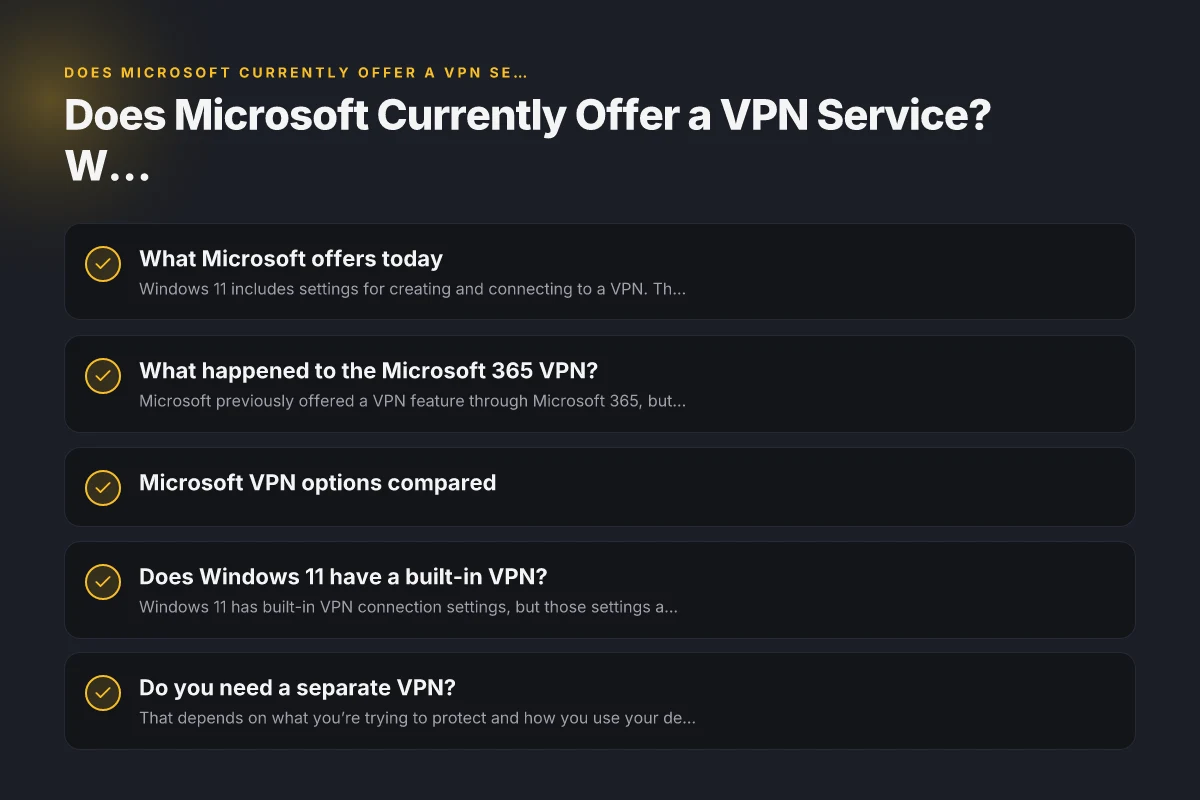
What happened to the Microsoft 365 VPN?
Microsoft previously offered a VPN feature through Microsoft 365, but that feature has been discontinued. Older articles and forum posts may still describe it as available, so check the date and whether the information reflects the current offering before relying on it.
Microsoft 365 should not be assumed to include an active, general-purpose VPN subscription. If you’re choosing a plan or looking for VPN protection, confirm the current Microsoft 365 benefits directly rather than relying on outdated claims.
Microsoft VPN options compared
| Option | What it does | Is it a general-purpose VPN service? |
|---|---|---|
| Windows VPN settings | Connects Windows to a VPN server you already have access to | No |
| Edge Secure Network | Uses VPN technology to help protect browsing in Microsoft Edge | No; it is browser-focused |
| Former Microsoft 365 VPN feature | A previously offered Microsoft 365 feature that has been discontinued | No longer available |
| Third-party VPN provider | Supplies VPN servers and a service, subject to its own terms | Yes, depending on the provider |
Which VPN option fits your needs?
| Your need | Windows 11 VPN client | Third-party VPN service | Work or school VPN |
|---|---|---|---|
| Connect to an existing VPN | Yes | Yes | Yes |
| Get a VPN provider with Windows | No | Yes | No |
| Protect personal browsing on public Wi-Fi | Requires a VPN service | Usually supported | Not its primary purpose |
| Access private company resources | If configured by your organization | Usually not | Yes |
| Choose a server location | Provider-dependent | Usually supported | Usually not |
| Manage access through an employer | No | No | Yes |
Compiled November 2026; check the provider's site for current details. Nord VPN Price in South Africa: Plans, Costs, and What to Check
Does Windows 11 have a built-in VPN?
Windows 11 has built-in VPN connection settings, but those settings are not the same as a built-in VPN subscription. Think of them as a way to use a VPN service, not as the service itself.
To connect, you’ll generally need information such as:
- The VPN provider or organization’s server address
- The VPN connection type
- Your sign-in details or other required authentication
- Any setup instructions supplied by your employer or provider
For a work VPN, ask your organization’s IT team for the correct configuration. For a personal VPN, choose a provider first and follow its Windows setup instructions.
Do you need a separate VPN?
That depends on what you’re trying to protect and how you use your devices. A VPN can route traffic through a VPN server, but it does not make you anonymous or prevent every online threat. You still need to consider account security, software updates, and the VPN provider’s privacy practices. Best VPN for Vodafone: Top Choices for Privacy, Streaming, and Travel
A separate VPN may be appropriate if you want:
- VPN coverage for apps beyond your browser
- Connections across multiple devices, subject to the provider’s plan
- Access to a workplace network or another organization’s VPN
- A service with clearly stated privacy, security, and support policies
Before choosing one, review what traffic it covers, how it handles data, which devices it supports, and whether its terms fit your needs. Avoid assuming that a feature described as “VPN” protects every app or device.
Recommendation
Microsoft provides VPN connection tools in Windows and a VPN-based privacy feature in Edge, but it does not currently offer a general-purpose VPN subscription for all your device traffic. Use Windows’ VPN settings with a provider or workplace network you trust. Use Edge Secure Network for its stated browser-protection purpose, and verify its current availability and terms before relying on it.