Best Warzone VPN: How to Choose One for Better Gameplay
Compare VPN options for Warzone, understand the trade-offs, and choose a service that fits your connection and privacy needs.
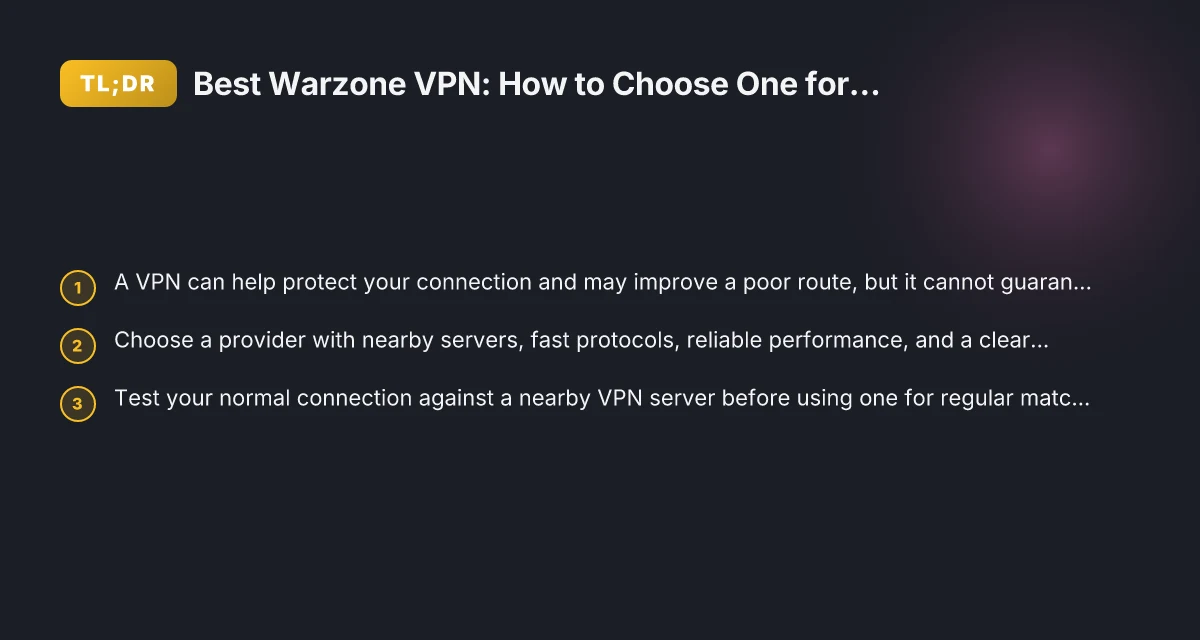
The best Warzone VPN is a fast, reputable service with servers near you and a nearby Call of Duty game server. NordVPN, ExpressVPN, and Surfshark are common options to compare, but the best choice depends on your location, device, budget, and actual connection results. A VPN encrypts traffic and changes the apparent IP address. It does not guarantee lower latency, better matchmaking, or access to a particular lobby.

Editor's pick: NordVPN — fast, secure VPN — Strong encryption, a no-logs policy and apps for every device. 30-day money-back guarantee. Get NordVPN →
What a VPN can and cannot do for Warzone
| Goal or issue | VPN’s likely effect | What it cannot guarantee | What to check |
|---|---|---|---|
| ISP throttling | May help if throttling is traffic-based | That your ISP is throttling Warzone | Compare connection with and without VPN |
| Routing problems | May provide a different route to the game server | A faster or more direct route | Test nearby VPN locations |
| High ping | Could lower ping in some cases | Lower ping on every connection | Measure in-game latency |
| Packet loss | A different route may reduce it | Elimination of packet loss | Track packet loss during matches |
| DDoS exposure | Can mask your public IP from other players | Complete protection from every attack | Check the VPN’s IP and leak protections |
| Matchmaking | May affect the region or lobbies you connect to | Better matches or easier opponents | Follow game rules and test cautiously |
| Internet speed | Adds another connection step | No speed loss | Compare speed and stability |
| Account safety | Encrypts traffic between your device and VPN | Protection from cheats, bans, or account compromise | Use reputable software and follow game policies |
Compiled November 2026; check the provider's site for current details.
| VPN | Obfuscation | From / month | Plan | Free plan | Refund | Alipay | UnionPay | Crypto | Website opens in China | Trustpilot | |
|---|---|---|---|---|---|---|---|---|---|---|---|
 NordVPN | Turn on manually Obfuscated Servers / NordWhisper | $3.49/mo | 27 months: $94.23 | No | 30 days | ? | ✗ | ✓ | ✓ | ✗ Blocked | 4.2/5 (51,628 reviews) |
 ExpressVPN | ✓ On by default all servers | $3.00/mo | 28 months: $84 | No | 30 days | ✗ | ✗ | ✓ | ✗ | ✗ Blocked | 4.4/5 (29,706 reviews) |
 Surfshark | ✓ On by default Camouflage, with OpenVPN | See site | See site | No | 30 days | ✗ | ✗ | ✗ | ✓ | ✗ Blocked | 4.3/5 (31,823 reviews) |
 Proton VPN | Turn on manually Stealth, free plan too | $2.99/mo | 12 months: $35.88 | Yes | 30 days | ✗ | ✗ | ✗ | ✓ | ✗ Blocked | 2.1/5 (1,040 reviews) |
 Private Internet Access | Turn on manually Shadowsocks, OpenVPN only | $2.03/mo | 40 months: $81.2 | No | 30 days | ✗ | ✗ | ✗ | ✗ | ✗ Blocked | 4.2/5 (11,033 reviews) |
 CyberGhost | Turn on manually selected servers | $2.19/mo | 28 months: $61.32 | No | 45 days | ✗ | ✗ | ✗ | ✓ | ✗ Blocked | 4.0/5 (24,178 reviews) |
 ZoogVPN | Turn on manually Shadow | $2.49/mo | 27 months: $59.99 | Yes | 7 days | ✓ | ✓ | ✓ | ✓ | Official site blocked; our special link opens (4.4 s) | 4.2/5 (195 reviews) |
 Astrill VPN | Turn on manually StealthVPN / OpenWeb | $12.50/mo | 24 months: $300 | No | See site | ✗ | ✗ | ✗ | ✓ | ✗ Blocked | 1.3/5 (110 reviews) |
 PureVPN | Turn on manually switch to OpenVPN | $1.69/mo | 60 months: $101.55 | No | 31 days | ? | ? | ✗ | ✓ | ✗ Blocked | 4.4/5 (17,994 reviews) |
 AdGuard VPN | ✓ On by default TrustTunnel | $2.99/mo | 24 months: $71.76 | Yes | 30 days | ✓ | ✗ | ✓ | ✓ | Official site blocked; our special link opens (3.7 s) | 4.3/5 (290 reviews) |
 Mullvad | Turn on manually QUIC / Shadowsocks / LWO | $5.61/mo | €5/mo | No | 14 days | ✗ | ✗ | ✗ | ✓ | ✗ Blocked | 3.2/5 (192 reviews) |
 Windscribe | Turn on manually Stealth / WStunnel | $5.75/mo | 12 months: $69 | Yes | See site | ✗ | ✗ | ✗ | ✓ | ✗ Blocked | 4.7/5 (13,355 reviews) |
 StrongVPN | Turn on manually Scramble, OpenVPN TCP | See site | See site | No | 30 days | ✓ | ✗ | ✗ | ✗ | ✗ Blocked | 4.4/5 (2,695 reviews) |
 LightXtreme 闪连 | Not listed | $7.08/mo | 12 months: $84.99 | Yes | 30 days | ✓ | ✓ | ✓ | ✓ | ✓ Yes (3.5 s) | No page |
Prices checked 2026-11-10 on each vendor's pricing page (cheapest long plan, USD). Check the vendor's checkout for the final price.
Obfuscation checked 2026-11-14 on each vendor's site and help center: "on by default" = nothing to set; "turn on manually" = switch protocol or mode in settings; "not listed" = the vendor describes no obfuscation.
Payment methods checked 2026-11-10 on each vendor's payment pages: all 14 take cards and PayPal; ✗ = not listed, ? = the vendor's own pages disagree.
China access: whether the official website opens from mainland China networks (tests the website only, not the VPN connection). Last checked 2026-11-18 01:02 Beijing time.
Trustpilot score and review count checked 2026-11-10.
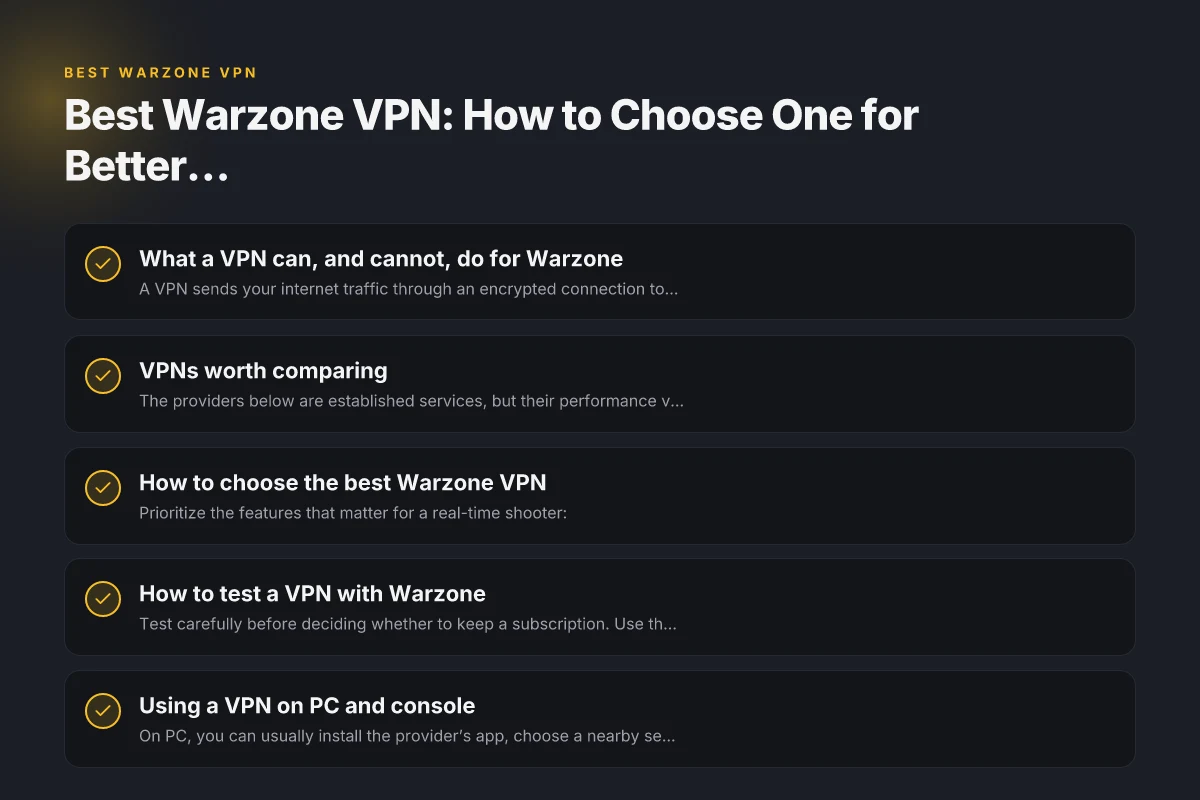
What a VPN can, and cannot, do for Warzone
A VPN sends your internet traffic through an encrypted connection to a VPN server before it reaches the game’s servers. This can be useful on shared networks and may make your public IP address less visible to other players.
A VPN may also change the route your traffic takes. If your internet provider’s route to a game server is congested or inefficient, a different route could improve stability. In many cases, however, adding a VPN server creates an extra step and increases latency.
It cannot:
- Fix slow Wi-Fi, packet loss, or an overloaded home network.
- Guarantee lower ping, smoother gameplay, or a specific matchmaking outcome.
- Remove the need to follow Activision’s terms and account rules.
- Make an unsafe or suspicious connection risk-free.
Avoid providers or guides that promise “bot lobbies,” guaranteed wins, or a specific skill level of opponents. Matchmaking is determined by the game, and attempting to manipulate it can create account or gameplay issues. Cant Use Prime Because of VPN? How to Fix the Problem
VPNs worth comparing
The providers below are established services, but their performance varies by region, ISP, device, and server. Treat this as a shortlist to test, not a promise that any one service will improve your game.
| Provider | What to compare | Potential drawback |
|---|---|---|
| NordVPN | Nearby server coverage, connection speeds, and its NordLynx protocol | Performance depends on your route and chosen server |
| ExpressVPN | Ease of use, supported devices, and its Lightway protocol | Pricing may be higher than budget alternatives |
| Surfshark | Device support and plan value for multiple users or devices | Server performance can vary between locations |
| Proton VPN | Privacy details and available server options | Gaming suitability depends on your plan and location |
Check current plans, features, and independent reviews before subscribing, since these can change. A provider’s advertised maximum speed is not the same as the speed you will get on your own connection.
VPNs worth comparing
| Option | Warzone device fit | Location choice | Gaming performance to test | Useful comparison point |
|---|---|---|---|---|
| NordVPN | Check PC and router support | Compare nearby locations | Ping, jitter, and packet loss | Ease of switching servers |
| ExpressVPN | Check PC and router support | Compare nearby locations | Ping, jitter, and packet loss | Setup and app usability |
| Surfshark | Check PC and router support | Compare nearby locations | Ping, jitter, and packet loss | Device and router compatibility |
| Proton VPN | Check PC and router support | Compare nearby locations | Ping, jitter, and packet loss | Available locations and plan features |
| Private Internet Access | Check PC and router support | Compare nearby locations | Ping, jitter, and packet loss | Configuration options |
| CyberGhost | Check PC and router support | Compare nearby locations | Ping, jitter, and packet loss | Server selection and app usability |
Compiled November 2026; check the provider's site for current details. Best VPNs in Italy: 5 Reliable Picks for Privacy, Streaming, and Travel
How to choose the best Warzone VPN
Prioritize the features that matter for a real-time shooter:
- Nearby servers: A server close to you, or to the game server you normally connect to, is a sensible first test.
- Fast protocols: Look for modern options designed for speed, such as WireGuard-based protocols, Lightway, or similar alternatives.
- Stable performance: Consistent latency and low packet loss matter more than a high peak-speed figure.
- Clear privacy practices: Review the provider’s privacy policy, logging claims, ownership, and independent audits where available.
- Device compatibility: Confirm that it supports your platform or router. Console players may need a router setup or a computer that can share its VPN connection.
- Useful support and cancellation terms: Check setup instructions, customer support, trial availability, and the refund policy before paying.
A VPN is not a substitute for basic network troubleshooting. If you experience lag, first try a wired Ethernet connection, pause downloads and streams, restart your router, and check whether other devices are using bandwidth.
How to test a VPN with Warzone
Test carefully before deciding whether to keep a subscription. Use the same device, network, and general time of day for each comparison.
- Play or measure your connection without a VPN and note ping, packet loss, and any disconnects.
- Connect to a nearby VPN server using the provider’s fastest recommended protocol.
- Repeat the test under similar conditions. Try only a few nearby servers rather than repeatedly jumping between distant locations.
- Compare stability as well as ping. A small latency change may matter less than frequent spikes or packet loss.
- Disconnect the VPN if performance becomes worse or the game fails to connect.
Warzone’s displayed latency can change from match to match, so a single result is not conclusive. Test several sessions if possible. Also make sure the VPN does not interfere with voice chat, cross-play, downloads, or platform sign-in. Best VPNs in India: Top Picks for Privacy, Speed, and Streaming
How to choose and test a Warzone VPN
| Decision factor | What to look for | How to test | Good sign |
|---|---|---|---|
| Nearby servers | Locations near you and game servers | Try several nearby locations | Stable connection |
| Latency | Consistent in-game ping | Record ping before and after connecting | Ping stays similar or improves |
| Jitter | Low variation in latency | Compare readings across matches | Less variation |
| Packet loss | Reliable delivery of game data | Monitor during comparable matches | No increase |
| Connection stability | Reconnects and steady sessions | Play for a full session | No unexpected drops |
| Device compatibility | Support for your PC or router setup | Install or configure on the intended device | Warzone connects normally |
| Console setup | Router or supported network-sharing method | Test the console connection before playing | Console traffic uses the VPN |
| Privacy and safety | Clear privacy practices and leak protection | Check for DNS or IP leaks | No exposed IP or DNS |
| Policy compliance | Compatibility with game and platform rules | Review current terms before use | Use stays within applicable rules |
Compiled November 2026; check the provider's site for current details.
Using a VPN on PC and console
On PC, you can usually install the provider’s app, choose a nearby server, and connect before launching the game. If the game or launcher has connection problems, check the provider’s troubleshooting guidance and ensure the selected server is supported.
Consoles may not support VPN apps directly. Common alternatives include configuring a compatible router or sharing a VPN connection from a computer, but setup steps vary by hardware. Router-level VPNs can affect every connected device, so check that your router can handle the encryption workload and that you know how to restore its original settings. Best VPNs in Germany: Top Picks for Privacy, Streaming, and Speed
Use a VPN only in ways permitted by the game, platform, and network you are using. A VPN does not change the rules that apply to your account.
Recommendation
Start by testing your normal connection and improving your home network. If you still want a VPN for privacy or to try a different route, compare NordVPN, ExpressVPN, and Surfshark based on nearby server coverage, device support, current pricing, and cancellation terms. Keep the service only if repeated tests show that it works reliably for your setup.