Best VPN Russia: How to Choose a Reliable Option
Compare VPN features for Russia, understand the risks and limitations, and choose a service that fits your needs.
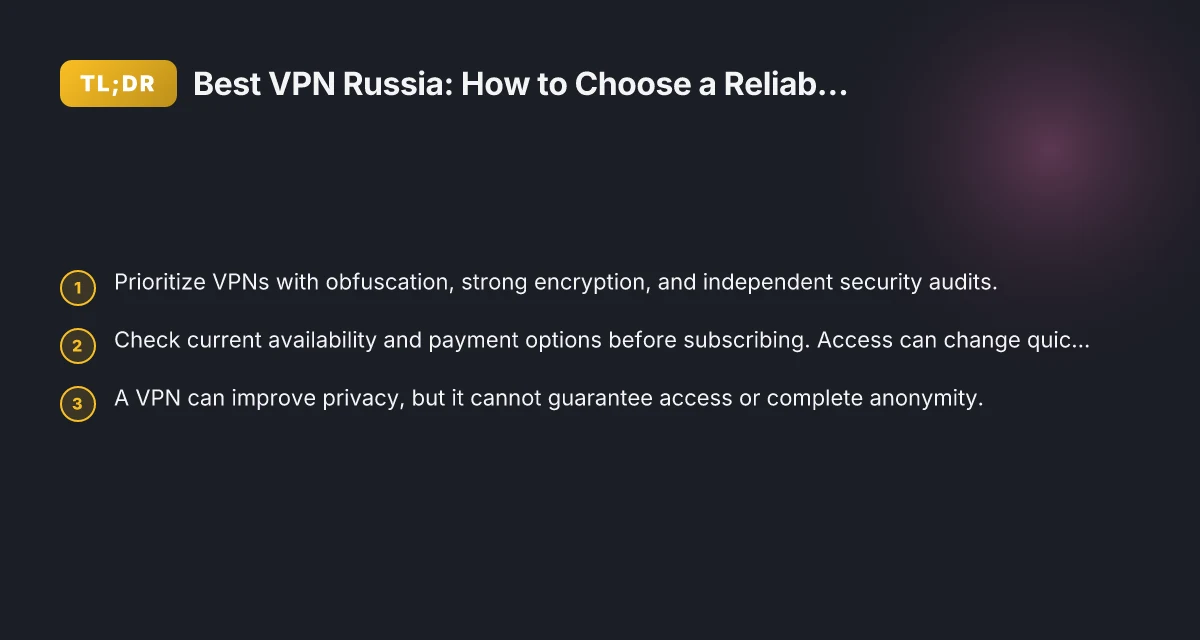
For Russia, the best VPN is one that can reliably connect under local network restrictions while protecting your data. Look for obfuscation or stealth protocols, a trustworthy no-logs policy, strong encryption, and apps that work on your devices. Availability and performance can change, so verify the provider’s current status and test its service before depending on it.
A VPN routes your internet traffic through an encrypted connection to a VPN server. This can help protect traffic on public Wi-Fi and reduce what your internet provider can see. It does not make every online activity private, bypass every block, or remove legal risks. Choose a service for your needs and understand the limits before using it.
| VPN | Obfuscation | From / month | Plan | Free plan | Refund | Alipay | UnionPay | Crypto | Website opens in China | Trustpilot | |
|---|---|---|---|---|---|---|---|---|---|---|---|
 ZoogVPN | Turn on manually Shadow | $2.49/mo | 27 months: $59.99 | Yes | 7 days | ✓ | ✓ | ✓ | ✓ | Official site blocked; our special link opens (4.4 s) | 4.2/5 (195 reviews) |
 NordVPN | Turn on manually Obfuscated Servers / NordWhisper | $3.49/mo | 27 months: $94.23 | No | 30 days | ? | ✗ | ✓ | ✓ | ✗ Blocked | 4.2/5 (51,628 reviews) |
 ExpressVPN | ✓ On by default all servers | $3.00/mo | 28 months: $84 | No | 30 days | ✗ | ✗ | ✓ | ✗ | ✗ Blocked | 4.4/5 (29,706 reviews) |
 Surfshark | ✓ On by default Camouflage, with OpenVPN | See site | See site | No | 30 days | ✗ | ✗ | ✗ | ✓ | ✗ Blocked | 4.3/5 (31,823 reviews) |
 Proton VPN | Turn on manually Stealth, free plan too | $2.99/mo | 12 months: $35.88 | Yes | 30 days | ✗ | ✗ | ✗ | ✓ | ✗ Blocked | 2.1/5 (1,040 reviews) |
 Astrill VPN | Turn on manually StealthVPN / OpenWeb | $12.50/mo | 24 months: $300 | No | See site | ✗ | ✗ | ✗ | ✓ | ✗ Blocked | 1.3/5 (110 reviews) |
 Private Internet Access | Turn on manually Shadowsocks, OpenVPN only | $2.03/mo | 40 months: $81.2 | No | 30 days | ✗ | ✗ | ✗ | ✗ | ✗ Blocked | 4.2/5 (11,033 reviews) |
 CyberGhost | Turn on manually selected servers | $2.19/mo | 28 months: $61.32 | No | 45 days | ✗ | ✗ | ✗ | ✓ | ✗ Blocked | 4.0/5 (24,178 reviews) |
 PureVPN | Turn on manually switch to OpenVPN | $1.69/mo | 60 months: $101.55 | No | 31 days | ? | ? | ✗ | ✓ | ✗ Blocked | 4.4/5 (17,994 reviews) |
 AdGuard VPN | ✓ On by default TrustTunnel | $2.99/mo | 24 months: $71.76 | Yes | 30 days | ✓ | ✗ | ✓ | ✓ | Official site blocked; our special link opens (3.7 s) | 4.3/5 (290 reviews) |
 Mullvad | Turn on manually QUIC / Shadowsocks / LWO | $5.61/mo | €5/mo | No | 14 days | ✗ | ✗ | ✗ | ✓ | ✗ Blocked | 3.2/5 (192 reviews) |
 Windscribe | Turn on manually Stealth / WStunnel | $5.75/mo | 12 months: $69 | Yes | See site | ✗ | ✗ | ✗ | ✓ | ✗ Blocked | 4.7/5 (13,355 reviews) |
 StrongVPN | Turn on manually Scramble, OpenVPN TCP | See site | See site | No | 30 days | ✓ | ✗ | ✗ | ✗ | ✗ Blocked | 4.4/5 (2,695 reviews) |
 LightXtreme 闪连 | Not listed | $7.08/mo | 12 months: $84.99 | Yes | 30 days | ✓ | ✓ | ✓ | ✓ | ✓ Yes (3.5 s) | No page |
Prices checked 2026-11-10 on each vendor's pricing page (cheapest long plan, USD). Check the vendor's checkout for the final price.
Obfuscation checked 2026-11-14 on each vendor's site and help center: "on by default" = nothing to set; "turn on manually" = switch protocol or mode in settings; "not listed" = the vendor describes no obfuscation.
Payment methods checked 2026-11-10 on each vendor's payment pages: all 14 take cards and PayPal; ✗ = not listed, ? = the vendor's own pages disagree.
China access: whether the official website opens from mainland China networks (tests the website only, not the VPN connection). Last checked 2026-11-18 01:02 Beijing time.
Trustpilot score and review count checked 2026-11-10.

Editor's pick: NordVPN — fast, secure VPN — Strong encryption, a no-logs policy and apps for every device. 30-day money-back guarantee. Get NordVPN →
Use this checklist to choose and test a VPN
| Decision or test | What to do | Pass indicator | Warning sign |
|---|---|---|---|
| Define your needs | List devices and intended uses | Features match your needs | Paying for unused extras |
| Check network compatibility | Test on your usual connection | Connects consistently | Repeated blocks or drops |
| Test speed | Compare with and without VPN | Suitable for your activities | Unusable slowdowns |
| Test stability | Use it across different sessions | Reliable reconnection | Frequent interruptions |
| Check for leaks | Run reputable IP and DNS checks | VPN connection stays protected | Real IP or DNS exposed |
| Review the trial terms | Check refund and cancellation rules | Terms are clear | Unclear or restrictive terms |
| Avoid free-service risks | Review funding and privacy practices | Transparent limits and policies | Vague data or advertising practices |
| Reassess regularly | Recheck performance and terms | Still fits your needs | Policies or service have changed |
Compiled November 2026; check the provider's site for current details.
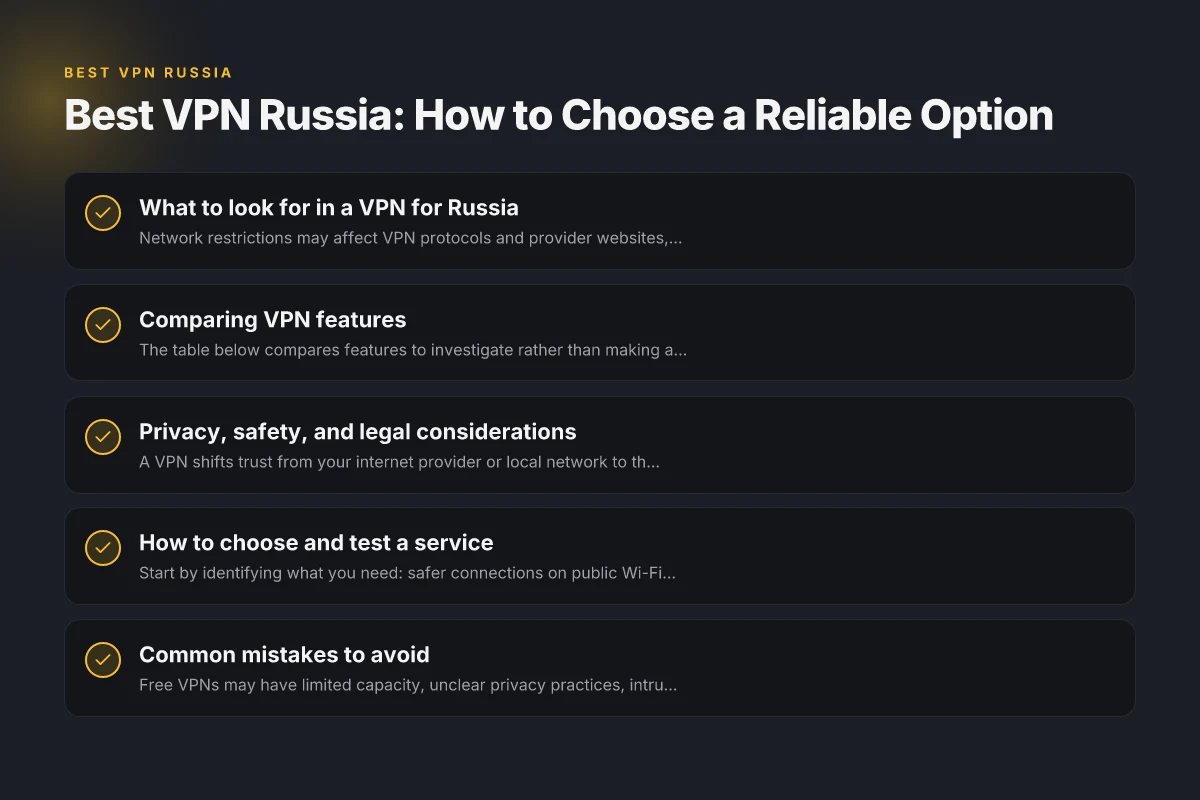
What to look for in a VPN for Russia
Network restrictions may affect VPN protocols and provider websites, so a large server list alone is not enough. Prioritize features that help a connection remain usable and secure.
- Obfuscation or stealth mode: Designed to make VPN traffic harder to identify as VPN traffic. Names and methods differ by provider, and effectiveness is not guaranteed.
- Modern protocols: WireGuard and OpenVPN are widely used options. Some providers offer proprietary protocols intended to improve reliability or evade blocking.
- A kill switch: Stops internet traffic if the VPN disconnects, reducing the chance of accidentally sending traffic outside the tunnel.
- Independent security reviews: Look for recent, credible audits of apps, infrastructure, or privacy practices, not just a provider’s own claims.
- Clear logging practices: Read what data the provider collects, how long it keeps it, and what its policy says about connection records.
- Reliable apps and support: Check that the provider supports your operating systems and offers current setup guidance.
No single feature guarantees a working connection. If a VPN stops connecting, its support pages may suggest a different protocol, server, or connection method. Avoid installing unfamiliar apps or configuration files from unofficial sources.
Comparing VPN features
The table below compares features to investigate rather than making a claim that any provider will work everywhere. VPN access can change with network conditions and provider updates.
| Feature | Why it matters | What to check |
|---|---|---|
| Obfuscation | May help a VPN connection blend in with other traffic | Whether it is available in the app and works on your device |
| Kill switch | Helps prevent unprotected traffic after a connection drop | Whether it is enabled by default and available on your platform |
| Independent audits | Offers outside scrutiny of selected security or privacy claims | Audit date, scope, and the organization that conducted it |
| Server coverage | Provides more locations and potential routing choices | Current server list, not an old review or promotional page |
| Payment options | Affects whether you can subscribe from your location | Which payment methods are currently accepted and accessible |
| Refund policy | Gives you a defined way to cancel if the service is unsuitable | Eligibility period, exclusions, and cancellation steps |
Treat rankings and reviews with caution. Providers may change ownership, apps, policies, or available payment methods. Before paying, read the current terms directly and confirm that the app can be downloaded through a legitimate channel. YouTube Won’t Work With VPN: Causes and Fixes
Privacy, safety, and legal considerations
A VPN shifts trust from your internet provider or local network to the VPN provider. The provider may be able to see some connection information, so its business practices and technical controls matter. A “no logs” label is not proof by itself. Examine the policy and look for independent verification.
A VPN also does not protect you from every threat. It will not necessarily prevent phishing, malicious downloads, account tracking, or monitoring through cookies and device identifiers. Keep your software updated, use unique passwords with a password manager, and enable multifactor authentication where possible.
Consider local laws and regulations before using a VPN. Rules and enforcement can change, and a VPN does not make unlawful activity lawful or guarantee that your identity cannot be discovered. If your situation involves a serious personal safety risk, seek advice from a qualified digital security organization rather than relying on a VPN alone.
How to choose and test a service
Start by identifying what you need: safer connections on public Wi-Fi, access to a particular service, or a more private connection on a specific device. Then compare providers against those requirements instead of relying on a “best” label. Best VPN Netherlands: Top Picks for Privacy, Speed, and Streaming
- Check current availability. Confirm that the provider’s official website, app, and support resources are accessible to you.
- Review the essentials. Read its privacy policy, audit details, kill-switch documentation, and instructions for obfuscation.
- Confirm compatibility and payment. Make sure your device is supported and that you can use an accepted payment method.
- Test before relying on it. If possible, use a trial or refund period to check connection stability, speed, and app behavior on the networks you normally use.
- Check for leaks and disconnects. Use reputable testing tools, and confirm that the kill switch behaves as described if the VPN connection drops.
Do not assume that a nearby server is always fastest or that a particular server will remain available. Try a few options, but follow the provider’s official guidance and avoid repeatedly changing settings without understanding what they do.
Common mistakes to avoid
Free VPNs may have limited capacity, unclear privacy practices, intrusive advertising, or weak security. Some legitimate providers offer restricted free tiers, but examine their limits and data policies carefully. Avoid unknown apps that promise unrestricted access without explaining who operates them or how they earn money.
Other common mistakes include:
- Choosing only by the number of advertised servers.
- Assuming a provider’s marketing claims replace an independent audit.
- Downloading VPN software from unofficial websites or file-sharing links.
- Leaving the kill switch off when preventing accidental exposure matters.
- Treating a VPN as a substitute for secure accounts and cautious browsing.
Recommendation
The best VPN Russia users can choose is a reputable service with working obfuscation, a kill switch, transparent privacy practices, and independently reviewed security claims. Verify that the provider is currently accessible, compare its terms and payment options, and test it on your own network before relying on it. A VPN can be a useful privacy tool, but it is not a guarantee of access, anonymity, or safety. After Using AVG VPN, YouTube Is Asking You to Sign In: How to Fix It